
Integrations
Pricing
Take a tour

From zero to first
bug report in 5 steps

Click through each step to see exactly how SnagRelay works — from connecting your tools to receiving your first fully-loaded bug report.
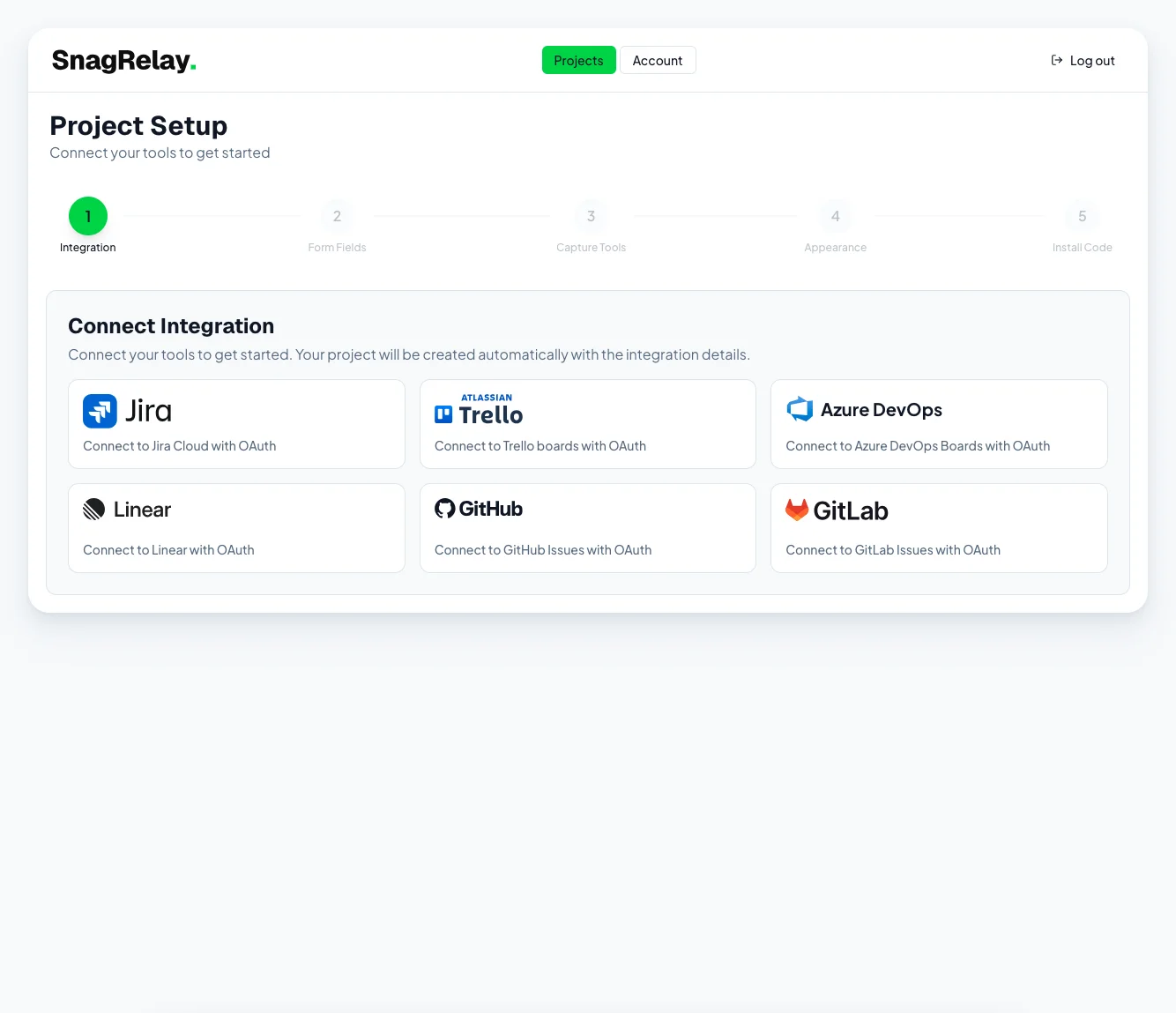
Connect your project management and communication tools

Connect your tools to get started

Link Jira, Linear, Slack, or any PM tool in one click. SnagRelay routes every bug report directly to where your team already works.

1 / 5
What customers say

SnagRelay customer testimonials

The customisable widget fits perfectly with our brand, and the automatic sync keeps our entire team in the loop. SnagRelay is an essential tool for any development team.

Yevhenii Holovkin

Yevhenii Holovkin

Product Manager, Prospex

We switched from UserSnap primarily to cut costs, but were also impressed with the quality of the reports and level of detail the platform provides our devs. We cut our ‘cannot reproduce’ rate by 80%.

Michaela Drake

Michaela Drake

QA Engineer, Shed Collective

Finally, a bug reporting tool that captures everything developers need! No more back-and-forth asking for screenshots or browser details. Genuinely the best bug reports I’ve ever received.

Igor Yussupov

Igor Yussupov

Co-founder, SnagRelay · formerly Developer at Shed Collective

FAQ

Frequently asked questions about SnagRelay

SnagRelay is installed by developers (one script tag, 2 minutes) and the reports are consumed by developers. But it's built for the people who REPORT bugs — QA engineers, testers, PMs, clients, and end users. The goal: make every bug report so complete that developers never ask for more context.
No. Reporters click the widget, describe the issue, and send. SnagRelay automatically captures all technical context — page state, API data, console errors, network requests, and error traces. No developer tools required. No training needed.
No. SnagRelay has a dashboard for setup and configuration, but bug reports go directly to your existing issue tracker. Your team manages everything in one place — the tool they already know and love.
Under 5 minutes. Add one script tag, connect your tracker via OAuth, and you're live. No complex configuration, no training required.
Every report includes annotated screenshots, session replay recording, video recording, full error stack traces, console logs, network activity with full request and response payloads, browser metadata, and auto-generated reproduction steps.
Yes. Create a separate project for each environment. Each gets its own script tag, its own routing rules, and reports stay isolated. Same account, separate configurations — so a bug filed on staging doesn't land in the same Jira queue as a production incident.
No. The widget loads asynchronously and only activates when the user opens it. It has no measurable impact on page speed or Core Web Vitals.
Get started

Stop guessing.
Start fixing

Join 500+ QA teams · Cancel anytime

No credit card required · 14-day free trial · All features included