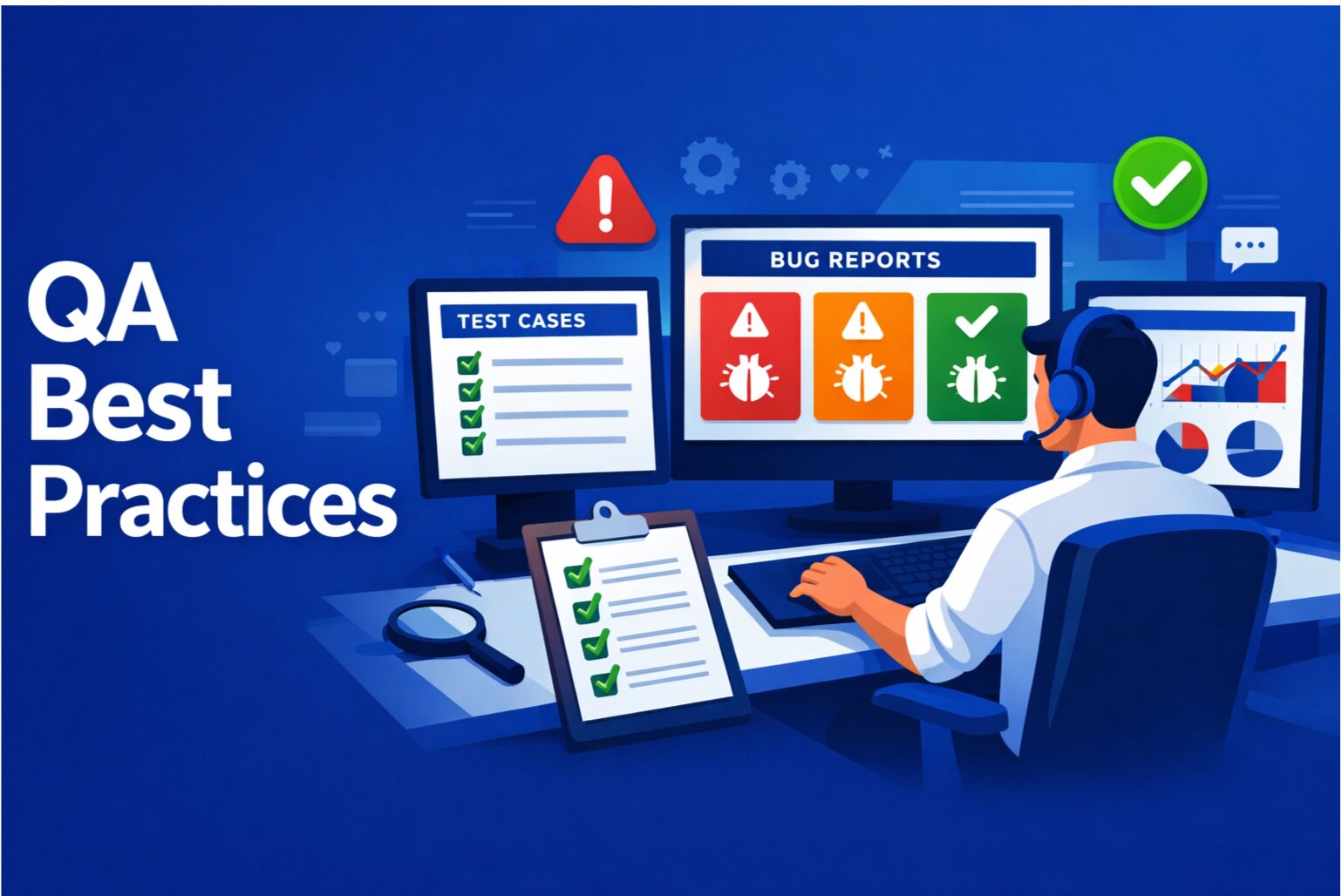
QA teams are the gatekeepers of quality. You're responsible for finding bugs before they reach production. But finding bugs is only half the battle. The other half is reporting them in a way that developers can actually fix them. This guide provides best practices, templates, and checklists for bug reporting that will make your development team love you.
Why QA Bug Reports Matter
A great QA team is the difference between a product that works and a product that's full of bugs. But a great QA team is only as good as their bug reports. If your reports are vague and missing context, developers waste time asking follow-up questions. If your reports are detailed and complete, bugs get fixed fast.
The Anatomy of a Great Bug Report
A great bug report has five essential components:
1. Descriptive Title
The title should be specific and actionable. It should describe the problem, not the solution.
- Bad: "Bug in checkout"
- Good: "Checkout page crashes when applying discount code with special characters"
2. Clear Description
Describe what happened, what you expected to happen, and why it matters. Keep it to 2-3 sentences.
Template:
"When I [action], I expected [expected outcome], but instead [actual outcome]. This impacts [who/what].
Example: "When I apply a discount code containing special characters (e.g., 'SAVE-50%'), the checkout page crashes with a 500 error. I expected the form to either accept the code or show a validation error. This prevents users from using promotional codes."
3. Step-by-Step Reproduction
Provide numbered, detailed steps that anyone can follow to reproduce the issue.
Template:
- Go to [URL]
- Click [button]
- Fill in [field] with [value]
- Click [button]
- Observe: [actual outcome]
Example:
- Go to snagrelay.com/pricing
- Click "Start Free Trial"
- Fill in email: [email protected]
- Fill in password: TestPassword123
- Fill in discount code: SAVE-50%
- Click "Apply Discount"
- Observe: Page crashes with 500 error
4. Environment Information
Include all relevant environment details. This helps developers reproduce the issue.
Template:
- Browser: [name and version]
- OS: [name and version]
- Device: [type and model]
- Network: [type and speed]
- Time: [when the issue occurred]
Example:
- Browser: Chrome 120.0.6099.129
- OS: macOS 14.2
- Device: MacBook Pro 16-inch
- Network: Home WiFi (stable)
- Time: 2026-03-07 at 2:30 PM EST
5. Visual Evidence
Include screenshots, videos, or console logs. Visual evidence is crucial.
- Screenshot of the error message
- Video of the crash (30-60 seconds)
- Console error logs (copy-paste or screenshot)
- Network request details (if relevant)
Bug Report Template for QA Teams
Use this template for all bug reports:
Title: [Specific, descriptive title]

Description:
When I [action], I expected [expected outcome], but instead [actual outcome]. This impacts [who/what].

Reproduction Steps:
1. Go to [URL]
2. Click [button]
3. Fill in [field] with [value]
4. Click [button]
5. Observe: [actual outcome]

Environment:
- Browser: [name and version]
- OS: [name and version]
- Device: [type and model]
- Network: [type and speed]

Severity: [Critical/High/Medium/Low]
Frequency: [Always/Often/Sometimes/Rare]

Attachments:
- Screenshot(s)
- Video (if applicable)
- Console logs (if applicable)
QA Bug Reporting Checklist
Before submitting a bug report, check off these items:
- Title is specific and descriptive
- Description explains the problem clearly
- Reproduction steps are numbered and detailed
- Environment information is complete
- Severity is clearly marked
- Frequency is noted (always/often/sometimes/rare)
- Screenshots or video are included
- Console logs are included (if applicable)
- I've checked for duplicate reports
- I've tested on multiple browsers/devices (if relevant)
Severity Levels: How to Classify Bugs
Clearly mark the severity of each bug. This helps developers prioritize.
- Critical: Product is unusable. Affects all users. Must fix immediately.
- High: Major feature is broken. Affects many users. Fix ASAP.
- Medium: Feature has issues but is still usable. Affects some users. Fix soon.
- Low: Minor issue. Cosmetic or edge case. Fix when time permits.
Example classifications:
- "Checkout page crashes" = Critical
- "Payment button is misaligned on mobile" = Medium
- "Typo in footer" = Low
Frequency: How Often Does the Bug Occur?
Note how often the bug occurs. This helps developers understand if it's consistent or intermittent.
- Always: Bug occurs every time you follow the reproduction steps
- Often: Bug occurs most of the time (80%+)
- Sometimes: Bug occurs occasionally (20-80%)
- Rare: Bug occurs rarely (less than 20%)
Pro Tips for QA Bug Reporting
1. Check for Duplicates
Before submitting a bug report, search for existing reports. Don't create duplicates. If a similar report exists, add your information to the existing report instead.
2. Test on Multiple Browsers and Devices
If a bug is browser or device-specific, test on multiple browsers and devices. This helps developers understand the scope of the issue.
3. Include Console Logs
If the bug involves a JavaScript error, include the console logs. This gives developers a head start on debugging.
4. Use Automated Tools
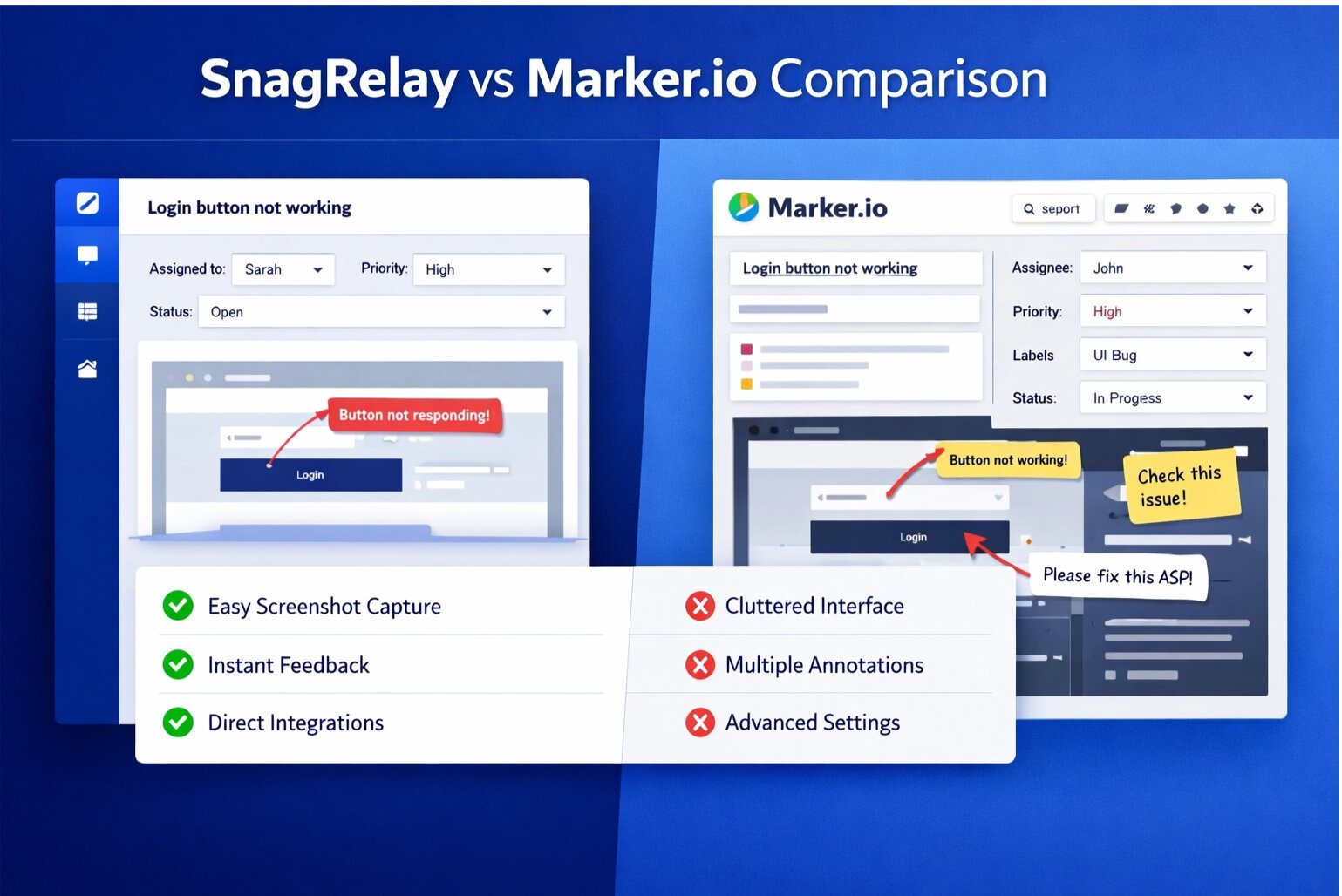
Tools like SnagRelay automate context capture. Instead of manually gathering screenshots, console logs, and network data, the tool captures everything automatically. This saves QA teams hours of work.
5. Be Specific About Steps
Don't assume developers know your workflow. Provide step-by-step instructions that anyone can follow. Include URLs, button names, field values, etc.
Common Mistakes QA Teams Make
- Vague titles: "Bug in checkout" doesn't tell developers anything
- Missing reproduction steps: "It happens sometimes" is not helpful
- No environment information: Developers can't reproduce without knowing browser/OS/device
- No visual evidence: Screenshots or videos are essential
- Duplicate reports: Check for existing reports before submitting
- Poor severity classification: Mark bugs correctly so developers can prioritize
Conclusion
Great bug reports are the foundation of fast development. By following these best practices, using the provided template, and checking off the QA checklist, you'll create bug reports that developers love. Bugs will get fixed faster. Your team will be more efficient. Your product will be higher quality.
Ready to improve your bug reporting process? Try SnagRelay free for 14 days. Automated context capture, session replay, console logs, and network data. All captured automatically. No manual work required. Your QA team will thank you.