Everything a developer needs, without asking
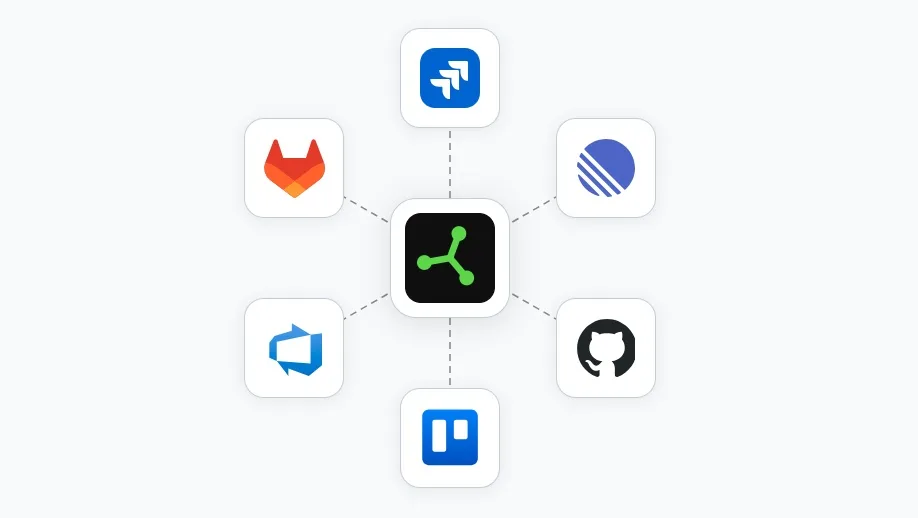
Each project sends reports to one place: the SnagRelay inbox, or one tracker: Jira Cloud, Linear, GitHub, GitLab.com, Trello or Azure DevOps Services. You connect it with OAuth, with no API keys to manage. The ticket that lands already includes the element, console errors, requests with their bodies, repro steps, the screenshot and a link to the replay.
Report types
On plans with report types, reporters choose what kind of report they are sending. The type sets the title prefix and the status the ticket starts in. That is the only routing: SnagRelay does not assign people, set severity or guess priority. Priority comes from your field mapping in the tracker.
Two-way status sync
On higher plans, status changes in the tracker flow back, so the inbox stays in step with where the work actually is. See pricing for which plans include it.
The agent reads it too
Your coding agent opens the same report by key over MCP, and when the fix lands the person who reported it gets a "fixed" email.