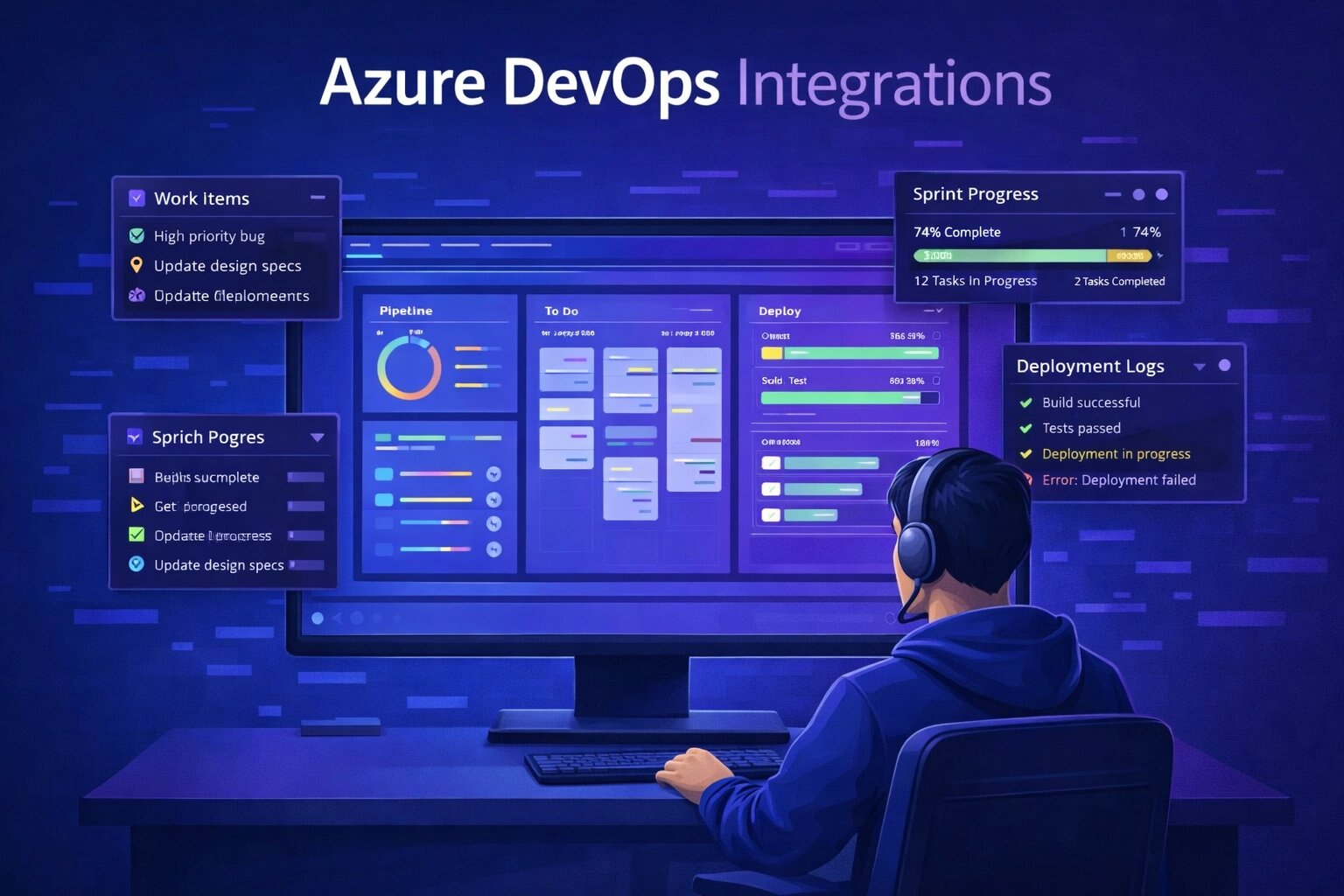
Azure DevOps is where your engineering team organises work — sprints, backlogs, pipelines, and repos all in one place. But bug reports rarely start there. They come in through email, Slack, spreadsheets, or standalone tracking tools. Someone then has to translate them into work items, losing detail at every step.
SnagRelay closes this gap by connecting directly to Azure Boards. When a bug is reported, a fully documented work item is created automatically — complete with session replay, screenshots, console logs, and all the technical context a developer needs to act immediately.
The Problem With Manual Bug Reporting in Azure DevOps Teams
Azure DevOps teams know this pattern well: QA finds a bug, writes it up somewhere, and then either creates a work item themselves or hands it off to someone who does. By the time the item appears on the board, the original context has been summarised, compressed, or lost entirely.
This creates predictable problems:
- Incomplete work items — Developers open the item and immediately need to ask follow-up questions
- Slow triage — Items without proper detail sit in the backlog unassigned and unprioritised
- Missed context — The exact state of the application at the time of the bug is never captured
- Double entry — QA logs the bug in one tool, then manually creates the Azure DevOps item
- Status fragmentation — The person who reported the bug has no visibility into what happened next
How SnagRelay Integrates With Azure DevOps
SnagRelay sits inside your web application as a lightweight widget. When a tester, user, or QA engineer reports an issue, the tool automatically captures everything that happened — then creates an Azure DevOps work item without any manual intervention.
The capture process happens in milliseconds and includes:
- A session replay recording showing the exact sequence of actions before the report
- Annotated screenshots with the problem area highlighted
- Browser, operating system, screen resolution, and viewport data
- JavaScript errors and console warnings from the session
- Network requests that failed or returned unexpected responses
- The current URL and application state
All of this is formatted and attached to the new work item on your Azure Board. The developer opens it and everything is already there.
Configuring the Integration
Setting up the connection between SnagRelay and Azure DevOps takes around five minutes:
- Add the SnagRelay widget — One script tag in your application, or install the browser extension for projects without code access
- Connect with OAuth — Click Connect Azure DevOps in your SnagRelay dashboard and authorise with your Microsoft account. No personal access tokens needed
- Choose your organisation and project — Select the Azure DevOps organisation and project where work items should be created
- Set area and iteration paths — Route work items to the correct team and sprint by default
- Map severity to priority — Configure how SnagRelay severity levels translate to Azure DevOps priority and severity fields
What Gets Created on Azure Boards
When SnagRelay creates a work item, it populates the fields your team actually uses:
- Title — A clear, descriptive title generated from the report
- Description — Structured content with steps to reproduce, expected vs actual behaviour, and environment details
- Work item type — Bug (configurable to Task or Issue depending on your process)
- Priority and Severity — Set automatically based on your field mapping rules
- Area Path — Routes to the correct team or component area
- Iteration Path — Assigns to the current sprint or a configured default
- Attachments — Screenshots and session replay link attached directly to the work item
- Repro Steps — Formatted HTML with the session replay walkthrough embedded
Area Paths and Team Routing
One of the most powerful features is automatic routing. If your Azure DevOps project has area paths for different teams — Product\Frontend, Product\Backend, Product\Mobile — SnagRelay can route work items based on which part of the application the bug was reported from.
A bug reported on the checkout page automatically goes to the payments team's area path. A JavaScript error in the dashboard goes to the frontend team. No triage required.
Sprint and Backlog Assignment
You can configure SnagRelay to place new work items directly into the active sprint, or into a specific backlog iteration for review. Critical severity bugs can be set to land in the current sprint immediately, while lower-priority items queue in the next sprint or unassigned backlog.
This means urgent bugs are visible to the right developer on the same day they are found — not after the next sprint planning meeting.
The Workflow Transformation
Before SnagRelay
Tester finds bug → Writes notes with partial context → Creates Azure DevOps work item manually → Developer reads incomplete item → Asks for reproduction steps → Tester sends screenshots separately → Developer finally investigates — 2 to 4 days after the bug was found
Overhead per bug: 30–60 minutes of manual work and coordination
After SnagRelay
Tester clicks to report → SnagRelay captures complete context automatically → Work item created on Azure Boards with session replay, screenshots, and all technical details → Developer investigates immediately — same day the bug was found
Overhead per bug: under 2 minutes
Duplicate Detection Across Azure Boards
SnagRelay's AI identifies when the same bug is reported multiple times — before it creates a duplicate work item. Instead of adding a new item, SnagRelay appends additional session data to the existing one, giving developers more evidence without cluttering the board.
For teams with large QA organisations or public-facing feedback widgets, this is essential. A single regression in production could generate dozens of reports. SnagRelay consolidates them into one work item, with a count of how many users were affected.
Visibility for Non-Azure-DevOps Users
Not everyone who reports bugs should have Azure DevOps access — clients, beta users, and internal stakeholders often shouldn't. SnagRelay handles this cleanly: reporters use the SnagRelay widget, bugs flow into Azure DevOps automatically, and reporters see status updates in SnagRelay without ever needing to log into your Azure organisation.
Who Gets the Most Value
The SnagRelay–Azure DevOps integration delivers the largest impact for teams that:
- Run structured QA sprints and need bugs to land on the board without manual entry
- Collect feedback from clients or end users who should not have Azure DevOps access
- Want developers to receive complete reproduction context without requiring testers to be technically skilled
- Need to route bugs to the right team automatically based on where in the product they occur
- Are tired of spending sprint planning meetings triaging incomplete bug reports
Start Automating Your Bug Workflow
If your team runs on Azure DevOps, the gap between bug discovery and a complete work item on the board should be measured in seconds, not days. SnagRelay makes that possible — without changing how your developers work, and without adding process for your testers.
Start your free trial and connect Azure DevOps in minutes — no credit card required.