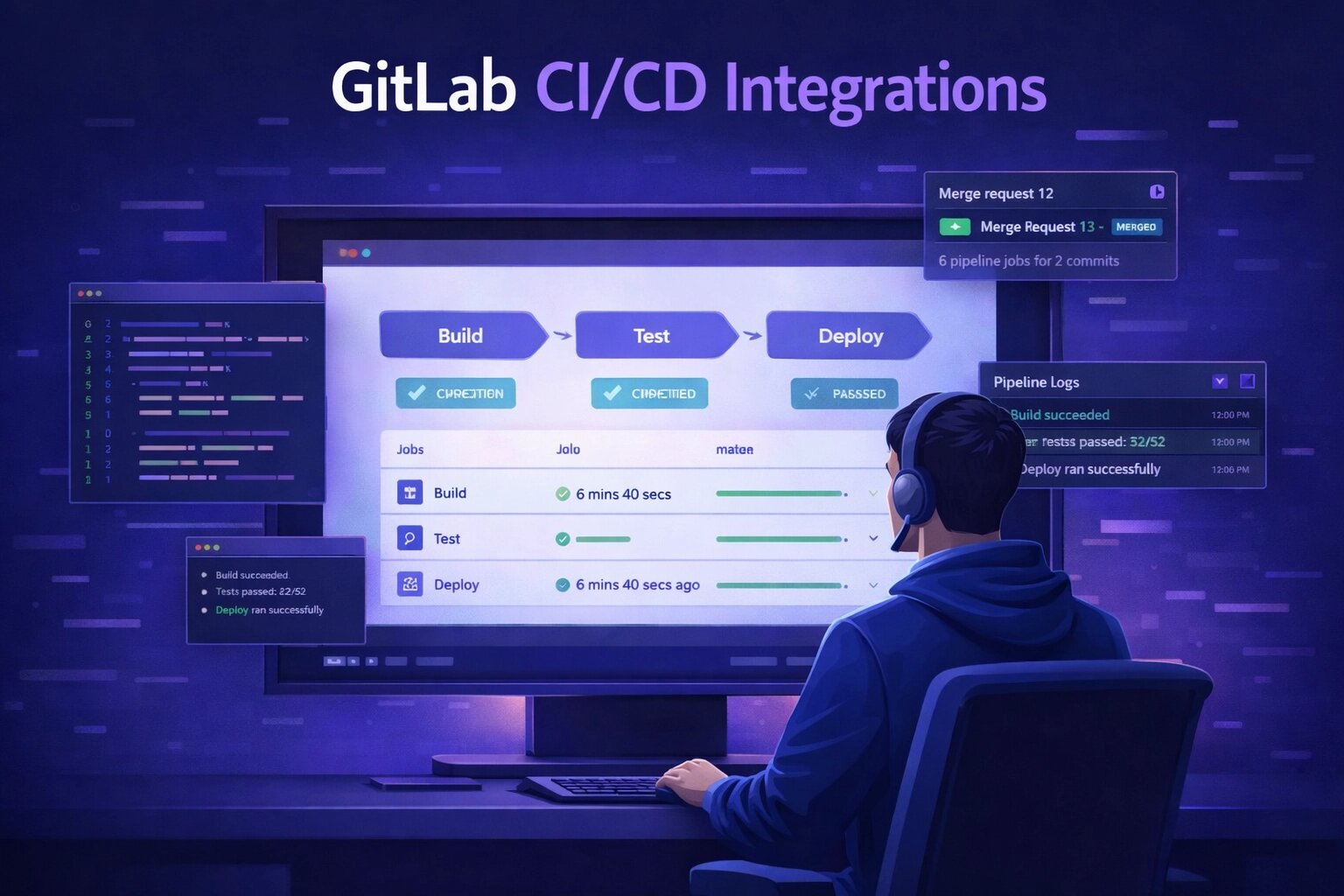
Your team lives in GitLab. Issues, merge requests, milestones, CI/CD — everything is there. But when a bug is found, the reporter opens a separate tool, writes it up, then someone manually copies it into a GitLab issue. By the time a developer sees it, half the context is gone.
There is a better way. SnagRelay connects directly to GitLab and creates fully documented issues the moment a bug is reported — with screenshots, session replay, console logs, and browser metadata already attached.
Why GitLab Teams Struggle With Bug Reporting
Most GitLab-based teams have a gap between where bugs are found and where developers work. Bug reports land in email threads, Slack messages, or a standalone tool. Developers have to dig through these channels, ask clarifying questions, and manually create issues. This slows everything down.
The core problems are:
- Context loss — By the time a report reaches GitLab, steps to reproduce are vague and screenshots are missing
- Manual duplication — QA reports the bug in one tool; someone else re-creates the ticket in GitLab
- Broken feedback loops — Status updates don't flow back to whoever reported the bug
- Developer interruptions — "Can you add more detail?" questions break focus and delay fixes
How the SnagRelay + GitLab Integration Works
SnagRelay embeds a lightweight widget into your web application. When a user or tester clicks to report a bug, SnagRelay automatically captures:
- A session replay video showing exactly what happened before the report
- Annotated screenshots pinpointing the problem
- Browser type, OS, screen resolution, and viewport dimensions
- JavaScript console errors and warnings
- Failed or slow network requests
- The current URL and page state
All of that is pushed directly into a new GitLab issue — formatted, labelled, and assigned — without anyone copying and pasting a thing.
Setting Up the GitLab Integration
The connection takes about five minutes. Here is what to do:
- Install the SnagRelay widget — Add one script tag to your application, or use the browser extension for no-code setups
- Connect GitLab via OAuth — Click Connect GitLab in your SnagRelay dashboard and authorise with your GitLab account. No personal access tokens required
- Select your project — Choose which GitLab namespace and project should receive the issues
- Configure field mapping — Map SnagRelay severity levels to GitLab labels, and optionally set a default milestone or assignee
- Start reporting — Every bug reported now creates a complete GitLab issue automatically
What Gets Created in GitLab
When SnagRelay pushes a bug, the resulting GitLab issue includes:
- A clear, structured title generated from the report
- A description with steps to reproduce, expected behaviour, and actual behaviour
- Labels matching the severity and category of the report
- Attachments — screenshots and session replay link — uploaded directly to the issue
- Environment details in a collapsible metadata block: browser, OS, URL, screen size
- JavaScript errors and console output captured at the time of the report
Developers open the issue and have everything they need to start investigating immediately. No back-and-forth. No missing information.
Label and Milestone Automation
SnagRelay maps your reporting categories to GitLab labels automatically. If your project uses labels like priority::high, type::bug, or area::frontend, you can configure SnagRelay to apply the right ones based on the severity and type of each report.
Milestone assignment works the same way. Set a rule that all critical bugs go into the current sprint milestone, while lower-priority items land in the backlog. The mapping is configurable per project.
Routing Reports Across Multiple Projects
If your organisation has separate GitLab projects for frontend, backend, and mobile, SnagRelay can route reports to the right one automatically. Rules can be based on the URL path where the bug was reported, the type of error captured, or manual selection by the reporter.
This is especially useful for agencies and larger engineering teams where different squads own different parts of the product.
The Workflow Comparison
Without Integration
Tester finds bug → Writes report in external tool → Someone creates a GitLab issue manually → Developer asks for more context → Tester digs up the original screenshot → Fix is delayed by 1–3 days of back-and-forth
Time lost per bug: 20–40 minutes of human coordination
With SnagRelay + GitLab
Tester clicks to report → SnagRelay captures all context → GitLab issue created automatically with session replay and screenshots → Developer investigates immediately → Fix ships faster
Time lost per bug: under 2 minutes
Bi-Directional Status Sync
The integration is not just one-way. When a developer updates a GitLab issue — marking it as In Progress, adding a comment, or closing it — that status flows back into SnagRelay. Reporters always know where their bug stands without having to log into GitLab themselves.
This is particularly valuable for client feedback workflows, where clients report issues through SnagRelay but should not need direct access to your GitLab instance.
Who Benefits Most From This Integration
The SnagRelay–GitLab integration delivers the biggest gains for teams that:
- Run structured QA testing cycles and need reports to land in GitLab without manual entry
- Collect feedback from clients or users who should not have GitLab access
- Have multiple testers reporting bugs and need duplicates detected automatically before they hit the backlog
- Want to give developers complete context on every issue without requiring testers to be technically proficient
Getting Started
If your team uses GitLab and you're still handling bug reports manually, the integration is the fastest way to close the gap between finding issues and fixing them. Setup takes five minutes, and the first automatically created issue will show you exactly what your team has been missing.
Start your free trial and connect GitLab in minutes — no credit card required.