Overview
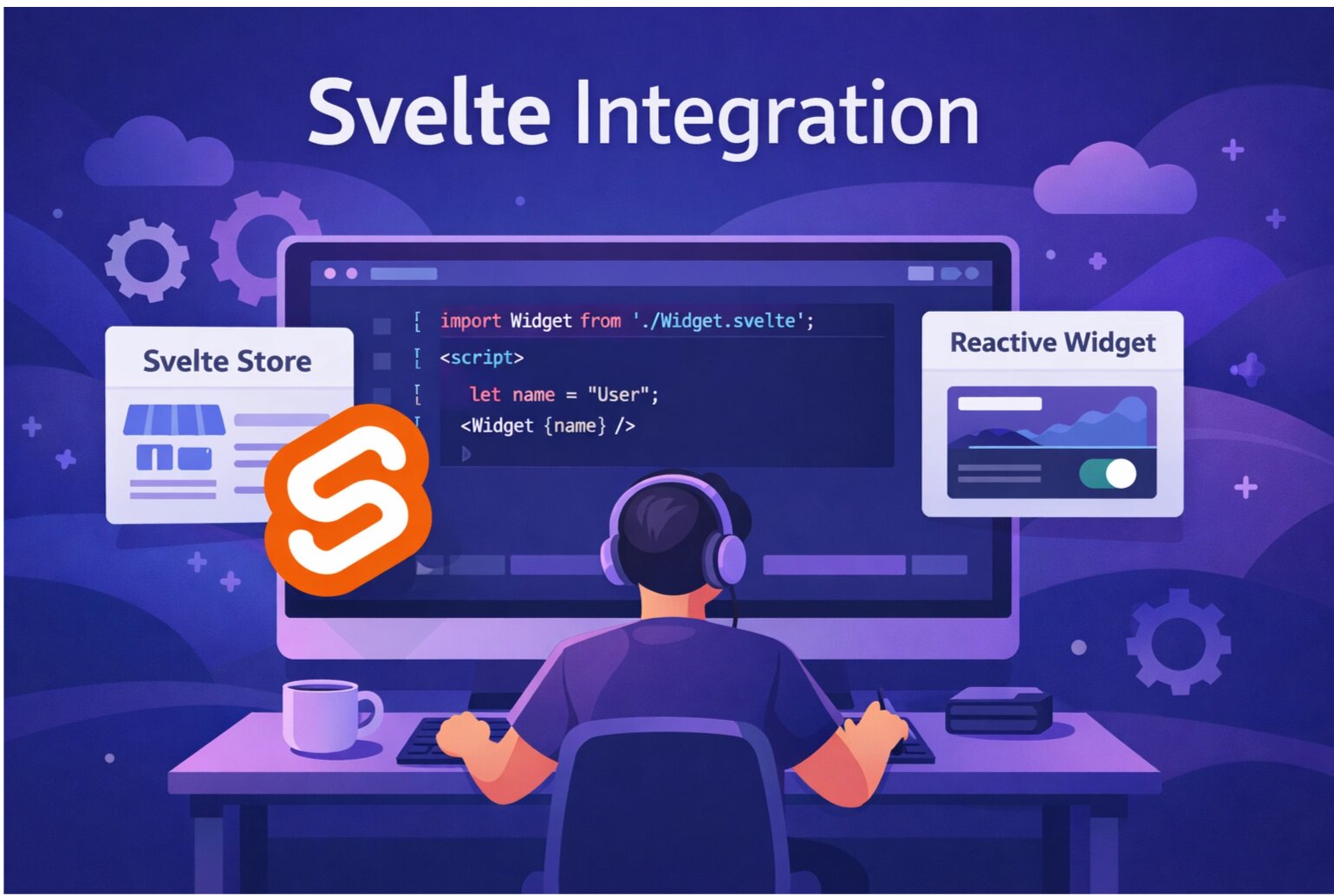
Integrate SnagRelay into your Svelte or SvelteKit application for seamless bug reporting. The widget configuration is managed in your dashboard, making the code integration minimal.
Prerequisites
- A SnagRelay account (sign up free)
- Your SnagRelay API key
- A Svelte or SvelteKit application
SvelteKit Integration
Add SnagRelay to your root layout for app-wide coverage:
<!-- src/routes/+layout.svelte -->
<script>
  import { onMount } from 'svelte';
  import { browser } from '$app/environment';

  onMount(() => {
    if (browser) {
      window.onSnagRelayLoad = function (api) {
        api.init();
      };

      const script = document.createElement('script');
      script.defer = true;
      script.src = 'https://app.snagrelay.com/widget/load/YOUR_API_KEY?onload=onSnagRelayLoad';
      document.head.appendChild(script);
    }
  });
</script>

<slot />
Replace YOUR_API_KEY with your actual API key.
Vanilla Svelte Integration
For non-SvelteKit Svelte apps:
<!-- App.svelte -->
<script>
  import { onMount } from 'svelte';

  onMount(() => {
    window.onSnagRelayLoad = function (api) {
      api.init();
    };

    const script = document.createElement('script');
    script.defer = true;
    script.src = 'https://app.snagrelay.com/widget/load/YOUR_API_KEY?onload=onSnagRelayLoad';
    document.head.appendChild(script);
  });
</script>

<main>
  <!-- Your app content -->
</main>
That's It!
The widget configuration (position, colors, button text, session replay settings, etc.) is managed in your SnagRelay dashboard. Any changes you make there will automatically apply to your widget.
Best Practices
- Use
browsercheck — Always check for browser environment in SvelteKit to avoid SSR issues - Environment variables — Use
PUBLIC_prefix for client-side env vars in SvelteKit
Next Steps
- Connect SnagRelay to your issue tracker (Jira, Linear, GitHub)
- Configure session replay settings in your dashboard
- Set up team notifications in Slack or Discord
Start your free trial — Modern bug reporting for Svelte apps.