Overview
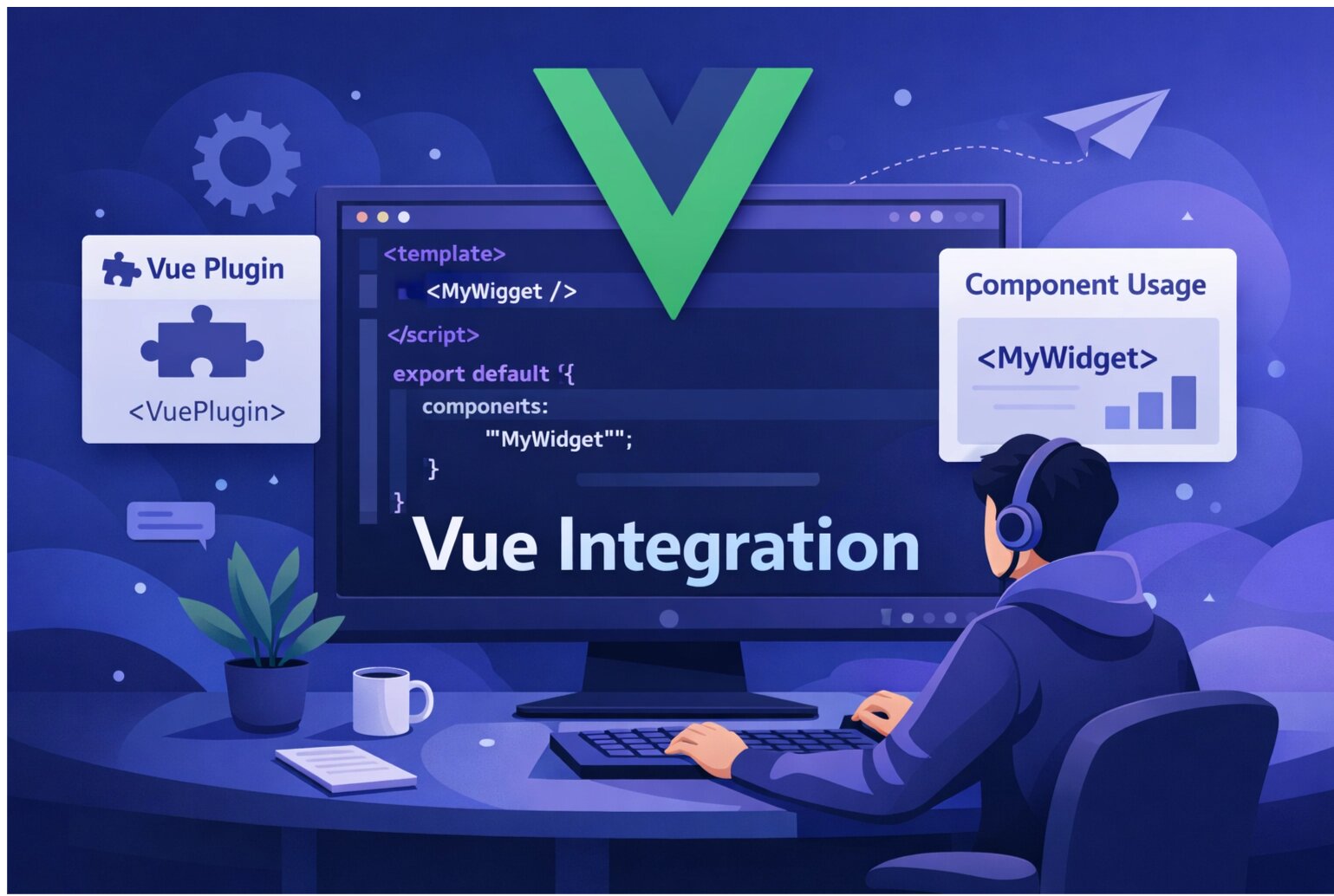
Add SnagRelay to your Vue.js application for comprehensive bug reporting. The widget configuration is managed in your dashboard, making integration simple.
Prerequisites
- A SnagRelay account (sign up free)
- Your SnagRelay API key
- A Vue.js application (Vue 2, Vue 3, or Nuxt)
Vue 3 Integration
Add the script in your App.vue or main component:
<script setup>
import { onMounted } from 'vue';

onMounted(() => {
  window.onSnagRelayLoad = function (api) {
    api.init();
  };

  const script = document.createElement('script');
  script.defer = true;
  script.src = 'https://app.snagrelay.com/widget/load/YOUR_API_KEY?onload=onSnagRelayLoad';
  document.head.appendChild(script);
});
</script>
Replace YOUR_API_KEY with your actual API key.
Vue 2 Integration
// main.js or App.vue
export default {
  mounted() {
    window.onSnagRelayLoad = function (api) {
      api.init();
    };

    const script = document.createElement('script');
    script.defer = true;
    script.src = 'https://app.snagrelay.com/widget/load/YOUR_API_KEY?onload=onSnagRelayLoad';
    document.head.appendChild(script);
  }
}
Nuxt 3 Integration
Create a client-side plugin:
// plugins/snagrelay.client.js
export default defineNuxtPlugin(() => {
  window.onSnagRelayLoad = function (api) {
    api.init();
  };

  const script = document.createElement('script');
  script.defer = true;
  script.src = 'https://app.snagrelay.com/widget/load/YOUR_API_KEY?onload=onSnagRelayLoad';
  document.head.appendChild(script);
});
Nuxt 2 Integration
// plugins/snagrelay.client.js
export default function () {
  if (process.client) {
    window.onSnagRelayLoad = function (api) {
      api.init();
    };

    const script = document.createElement('script');
    script.defer = true;
    script.src = 'https://app.snagrelay.com/widget/load/YOUR_API_KEY?onload=onSnagRelayLoad';
    document.head.appendChild(script);
  }
}
That's It!
The widget configuration (position, colors, button text, session replay settings, etc.) is managed in your SnagRelay dashboard. Any changes you make there will automatically apply to your widget.
Best Practices
- Use environment variables — Store API keys in
.envfiles - Client-side only — The widget runs in the browser; mark plugins as client-only in Nuxt
Next Steps
- Configure integrations with Jira, Linear, or GitHub
- Set up team notifications
- Customize the widget in your dashboard
Get started with SnagRelay — Bug reporting built for Vue developers.