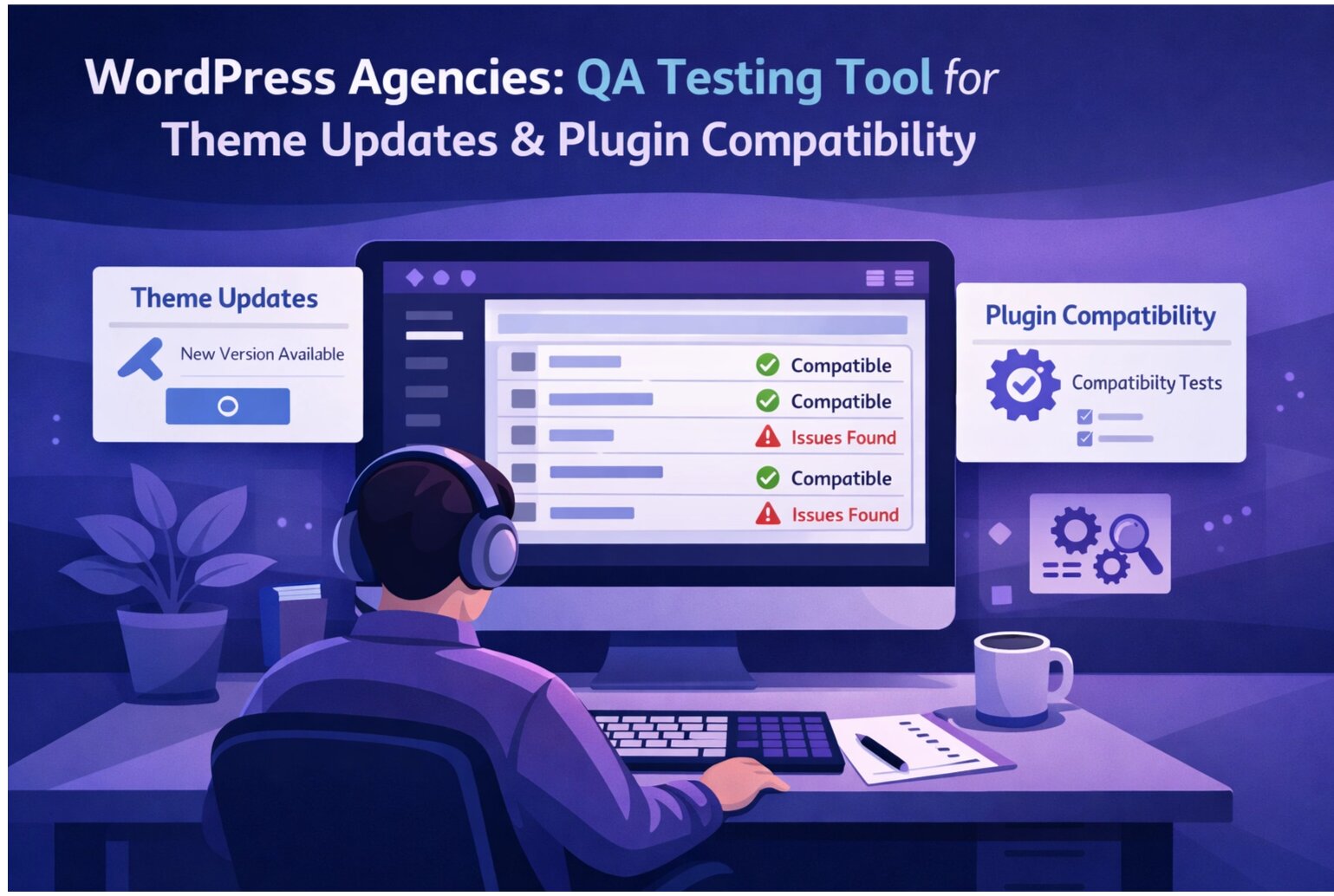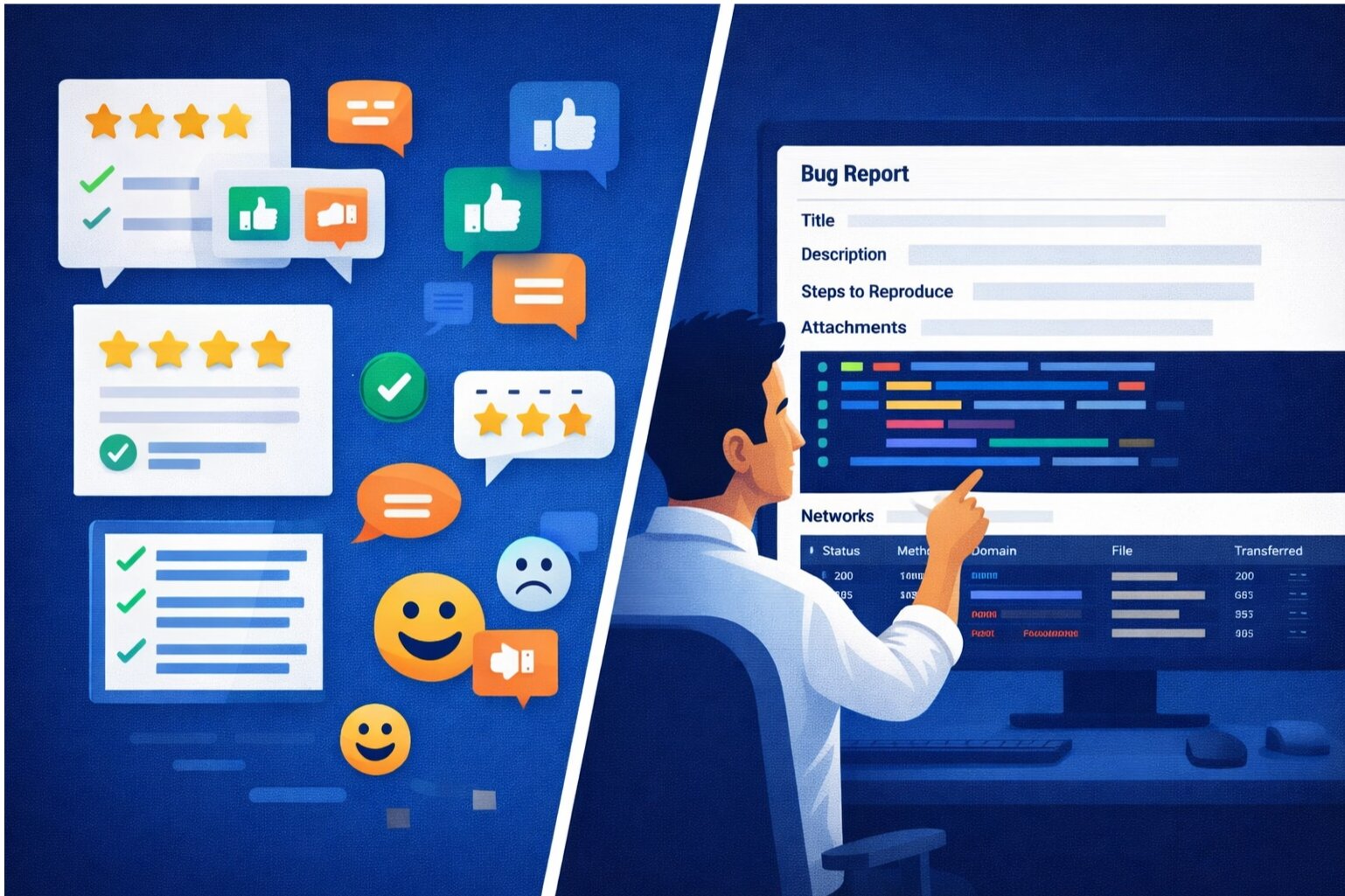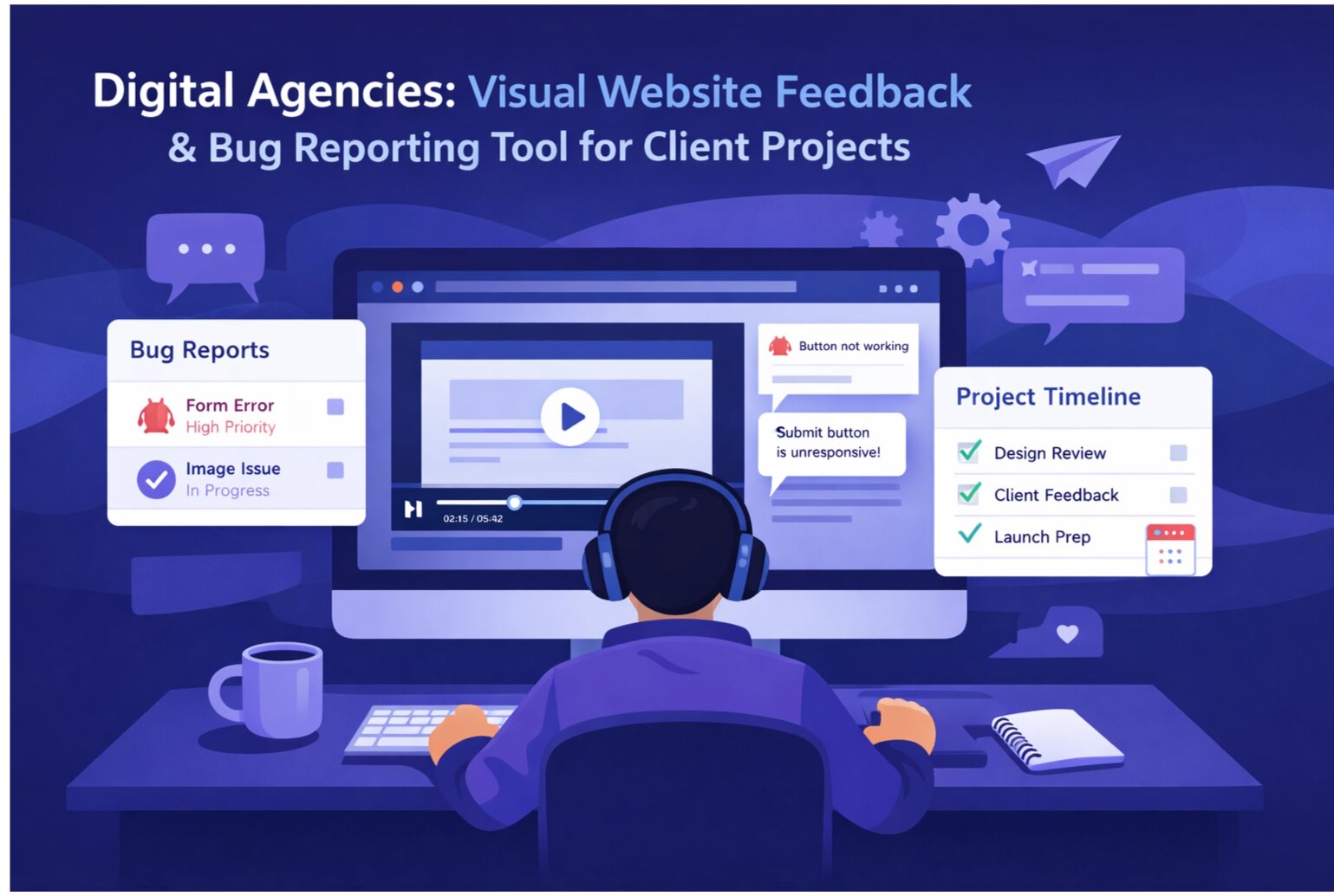
Agencies live in the feedback loop. Deliver a design, client says "The button should be blue." Deliver blue button, client says "Actually, make it purple but the original blue was better for the icon." Unstructured feedback leads to endless revisions, missed deadlines, and frustrated teams.
The Agency Feedback Challenge
Traditional feedback processes fail at scale:
- Email threads: Feedback scattered across multiple emails. Easy to miss a comment. Hard to track what's been addressed.
- Ambiguous descriptions: "The spacing looks off" requires clarification. Where? How much? Which element?
- No visual context: "That color doesn't match the branding" but which color? In which browser?
- Version confusion: Client refers to a previous version. Which version? Did you push that update?
- Scope creep: Every comment becomes a deliverable. No clear prioritization.
Result: Projects miss deadlines because feedback cycles extend indefinitely.
The Structured Feedback Framework
1. Centralized Collection Hub
All feedback goes to one place. Not email, Slack, or scattered comments. One centralized tool. This prevents feedback loss and makes it impossible to say "I didn't see that comment."
2. Visual Annotation Tools
Clients should click directly on the thing they're commenting about. Point at the button and say "This should be bigger." The feedback is automatically tied to the location. No ambiguity.
3. Priority and Status Tracking
Mark feedback as:
- Critical (Pre-Launch): Must fix before launch
- Important (High Priority): Should fix before launch
- Nice-to-Have (Low Priority): Fix if time permits
- Addressed: Fixed and deployed
- Deferred: Will address in next phase
Status tracking prevents the "Did you fix that?" back-and-forth.
4. Feedback Rounds with Clear Deadlines
Round 1: Client reviews and submits all feedback (Deadline: Tuesday) Team processes feedback and updates (Wed-Thu) Round 2: Client reviews updates (Friday) Final review: Client approves (Monday) Launch: Tuesday
Clear rounds with deadlines prevent endless iteration.
Managing Feedback Types
Functional Issues
"The form doesn't submit when I click the button."
Response Time: Urgent. Fix immediately if pre-launch. Track: reproduced → investigated → fixed → verified
Visual/Design Feedback
"The header color looks too dark against the background."
Handling: Request context (which background? which device?). Prioritize based on impact. Visual feedback is often subjective—set expectations.
Performance Concerns
"The page takes forever to load."
Handling: Measure objectively. "This takes 8 seconds on 4G. Is that acceptable?" Not all performance issues need fixing immediately.
Scope Creep Requests
"While you're at it, can you add dark mode?"
Handling: Acknowledge. Log as separate request. Don't fold into current deliverables unless specifically in scope.
The Revision Workflow
Step 1: Collect Feedback
Client has 48 hours to submit all feedback. No new feedback after deadline. This prevents slow revision cycles.
Step 2: Categorize and Prioritize
Team review:
- Sort by criticality
- Identify duplicates ("Three people said the button text is too small")
- Flag anything out of scope
Step 3: Assign and Estimate
Assign to team members. Estimate effort. Communicate timeline: "We'll address critical items by tomorrow, nice-to-haves by end of week."
Step 4: Implement and Document
For each feedback item, document:
- What changed
- Which version/commit
- When it's deployed
Step 5: Verify and Communicate
Client reviews updates. "Feedback #3 addressed. Feedback #5 deferred to phase 2. Feedback #1 in testing, ready tomorrow."
Tools That Support Feedback Workflows
Visual Feedback Tools: Clients annotate directly on the page/design. Comments are tied to specific elements.
Integration with Project Management: Feedback automatically creates tickets in your bug tracker or task management tool.
Email Notifications: Keep teams synchronized without overloading with meetings.
Approval Workflows: Clear sign-off when feedback is resolved.
Building Client Trust Through Process
When clients see feedback collected, prioritized, and addressed systematically, they trust your timeline. "We'll address all critical items by end of day. Lower priority items next week." This transparency builds confidence.
Conversely, when feedback is scattered and progress is unclear, clients get anxious. They submit more feedback. Scope creeps. Deadlines slip.
The Revision Budget
Define revision limits in contracts. "2 rounds of revisions included. Additional revisions at $X/hour." This sets expectations and prevents infinite revision cycles.
Be fair: if you shipped something broken, fix it. But "I want to see the footer in three different layouts" is a new request, not a revision.
Scaling to Multiple Concurrent Projects
When you have 5 clients giving feedback simultaneously, centralized collection becomes essential. Scattered feedback = overwhelmed team. Centralized feedback = trackable, prioritizable, manageable.
Streamlined Agencies Win More
Agencies that manage feedback efficiently deliver on time. They deliver on budget. They earn reputation and repeat business. Clients see the process working, they see progress happening, they trust the team.
Try SnagRelay for client feedback. Give clients an easy way to provide visual feedback. Automatically organize it for your team. Win your next project.