Building a QA tech stack is overwhelming. Hundreds of tools exist. Some overlap. Some complement. Some are outdated. This guide covers the essential QA tools for 2026 and how to choose what matters for your team.
Categories of QA Tools
1. Test Automation Frameworks
Selenium - The classic. Open source. Broad browser support. Large community. Steep learning curve. Still the standard.
Cypress - Modern, developer-friendly. Excellent debugging. Primarily JavaScript/frontend. Faster than Selenium for frontend tests.
Playwright - Cross-browser automation. Supports multiple languages. Better performance than Selenium. Growing adoption.
TestCafe - No plugin required. Works in any browser. Great for testing across devices.
2. CI/CD Integration
GitHub Actions - Free if you're on GitHub. Tight integration with repos. Simple workflows.
GitLab CI - Excellent if using GitLab. More powerful than GitHub Actions for complex pipelines.
Jenkins - Most powerful, most complex. Good for enterprise teams needing custom workflows.
3. Session Replay and Bug Reporting
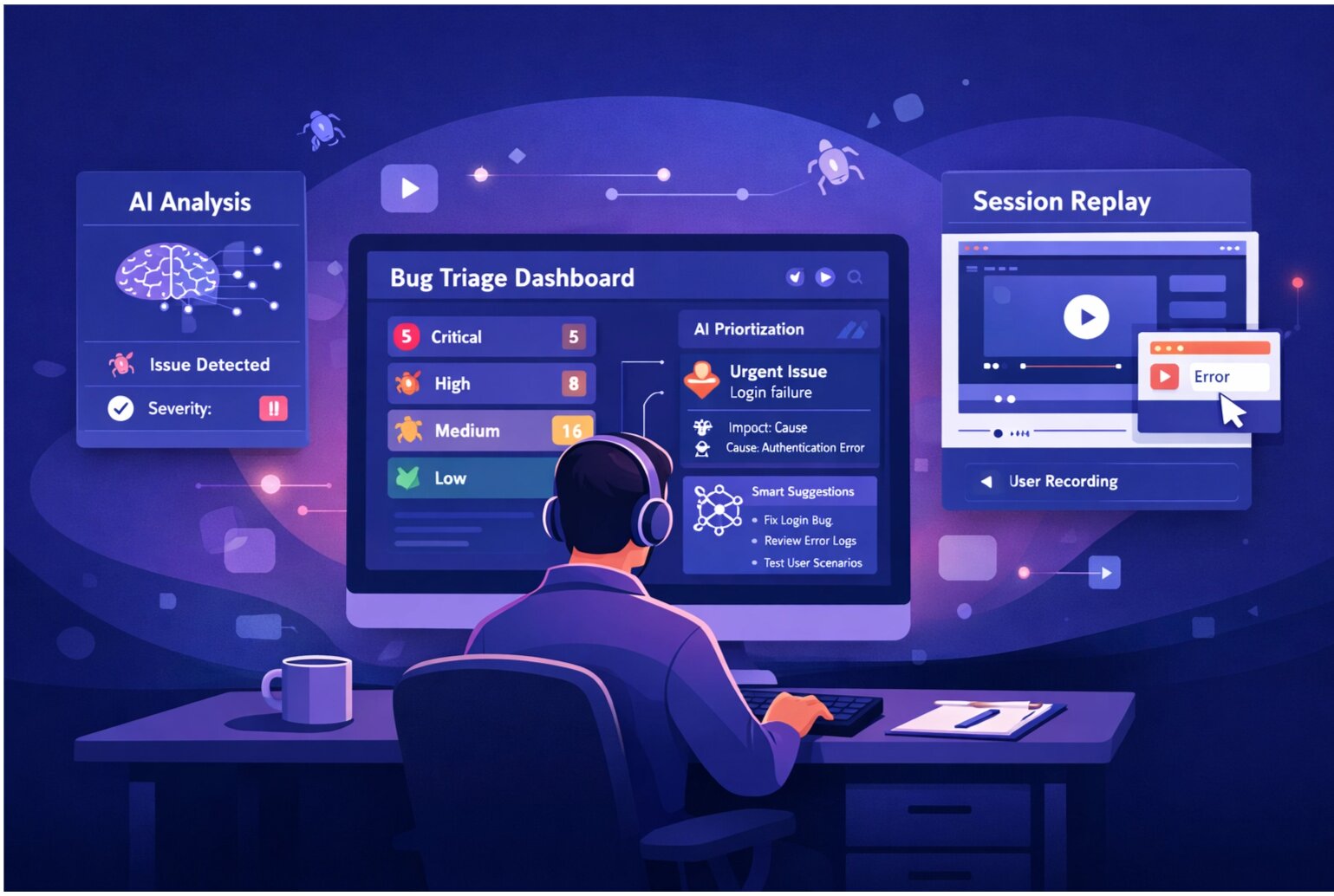
SnagRelay - Complete bug reporting with session replay, AI triage, and duplicate detection. Focuses on reducing investigation time.
Hotjar - Primarily heatmaps and user behavior, but includes session replay. Less focused on QA reporting.
LogRocket - Session replay for production monitoring. Good for debugging but not specifically for QA workflows.
4. Bug Tracking and Issue Management
Jira - Enterprise standard. Powerful but complex. Heavy-weight.
Linear - Modern alternative. Simpler, faster. Growing adoption among startups and smaller teams.
GitHub Issues - Lightweight, free if on GitHub. Good for open-source projects.
Asana - Project management first, issue tracking second. Good for teams combining bug tracking with broader project management.
5. Test Case Management
TestRail - Dedicated test case management. Integrates with bug trackers. Mature tool.
Zephyr - Similar to TestRail. Jira-integrated option.
qTest - Enterprise test management. Comprehensive but expensive.
6. Performance Testing
JMeter - Open source. Load and stress testing. Steep learning curve.
Gatling - Modern load testing. Code-based configuration. Better for developers.
LoadRunner - Enterprise standard. Expensive. Most powerful.
7. API Testing
Postman - Easy to use. Great for manual API testing and test automation. Large collection of test examples.
RestAssured - Java-based. Good for integrating API tests into CI/CD pipelines.
Insomnia - Similar to Postman. Open-source alternative.
Building Your QA Stack
Minimum Stack for Small Teams
- Test Automation: Cypress or Playwright
- Bug Tracking: GitHub Issues or Linear
- Bug Reporting: SnagRelay (with session replay)
- CI/CD: GitHub Actions
Mid-Size Team Stack
- Test Automation: Cypress + Selenium for broader coverage
- Bug Tracking: Jira or Linear
- Test Management: TestRail
- Bug Reporting: SnagRelay
- CI/CD: GitHub Actions or GitLab CI
Enterprise Stack
- Test Automation: Multiple frameworks (Selenium, Cypress, Playwright)
- Bug Tracking: Jira with custom workflows
- Test Management: TestRail or qTest
- Bug Reporting: SnagRelay
- Performance: JMeter or LoadRunner
- CI/CD: Jenkins or GitLab CI
Key Considerations When Choosing Tools
1. Integration
Do tools work together? Your bug tracking and CI/CD should integrate. Your bug reporter should integrate with your tracker. Tight integration prevents manual work.
2. Learning Curve
Will your team adopt it? Powerful tools that are hard to learn sit unused. Simpler tools that the team loves are more valuable.
3. Cost vs Benefit
Expensive doesn't mean better. GitHub Issues is free and sufficient for many teams. Don't pay for enterprise features you won't use.
4. Flexibility
Can you customize workflows? As your team grows, requirements change. Tools should adapt, not force you to fit their mold.
5. Support and Community
When stuck, can you find help? Large communities (Selenium, Jira) have plenty of resources. Niche tools might leave you stuck.
Common Mistakes When Building QA Stacks
Too Many Tools: Tool sprawl makes work harder. "The bug is in SnagRelay, but we track it in Jira, assign it in Linear, and manage tests in TestRail." Too many places to check. Integrate or consolidate.
Over-Automating: Not everything needs automation. If manually testing takes 5 minutes and automating takes 2 weeks, don't automate.
Wrong Tool for the Job: Using Jira for simple bug tracking is like using a truck to buy milk. It works but it's overkill.
Ignoring Team Input: Choose tools your team will use. If QA hates your bug tracker, they'll avoid it and work quality drops.
Tool Trends for 2026
AI Integration: Every tool is adding AI. Duplicate detection, priority suggestions, assignment recommendations. Expect this everywhere.
Session Replay Becomes Standard: More tools are adding replay capabilities. It's becoming table stakes for bug reporting.
Less Reliance on Large Enterprise Tools: Smaller, focused tools (Linear, Playwright) gaining ground against heavyweight options (Jira, Selenium).
API-First Design: Tools increasingly allow custom integrations and API access. Lock-in decreases.
Evolving Your Stack Over Time
Start simple. Add tools as you have specific needs. Don't anticipate problems that don't exist yet. If you're automating testing and it's painful, then you need a better framework. Before that, you're optimizing prematurely.
See how SnagRelay fits into your stack. Session replay + AI triage eliminates entire categories of debugging work.