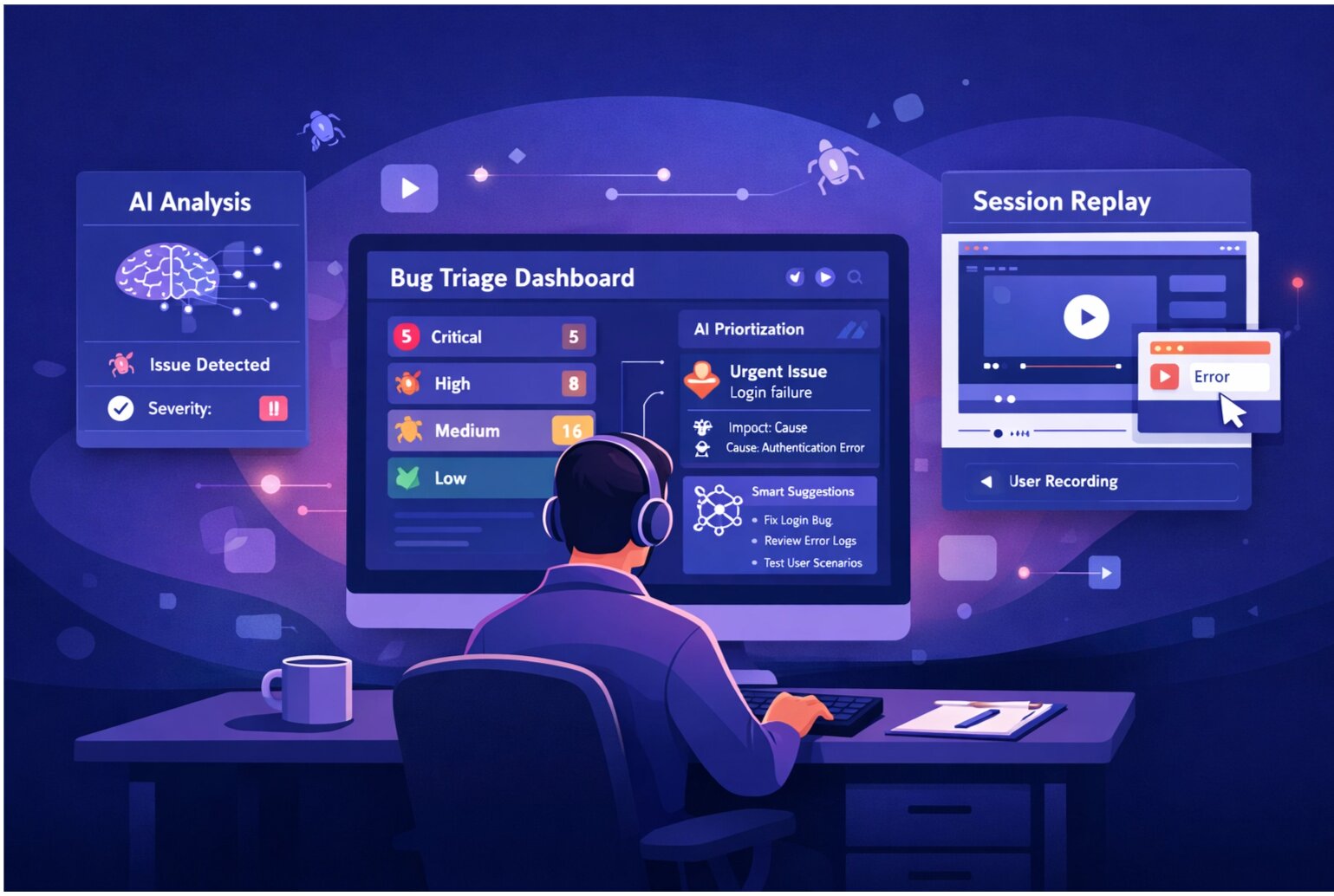
A well-structured bug report is the difference between a bug that gets fixed in hours and one that languishes for weeks in the backlog. When QA teams communicate effectively, developers understand issues immediately and can prioritize fixes. Poor bug reports lead to back-and-forth clarifications, duplicates, and wasted time.
The Anatomy of a Great Bug Report
Every effective bug report contains these core elements:
- Title: A one-line summary that's specific, not vague
- Severity: Critical, High, Medium, or Low
- Environment: Browser, OS, app version where the bug occurs
- Steps to Reproduce: Clear, numbered instructions
- Expected Result: What should happen
- Actual Result: What actually happened
- Evidence: Screenshots, session replay, error logs
Template Categories
1. Functional Bug Report
Title: "Login button on mobile doesn't submit form"
Severity: High
Browser: Safari on iOS 18
Steps: (1) Navigate to login page on iPhone 15 (2) Enter email and password (3) Tap login button (4) Wait 5 seconds
Expected: User logs in and redirects to dashboard
Actual: Button shows loading spinner indefinitely, no redirect occurs
2. Visual Regression Report
Title: "Hero image misaligned on desktop at 1920px width"
Environment: Chrome 130.0.6723.58 on macOS, desktop viewport 1920x1080
Expected: Image centered with 40px padding on sides
Actual: Image extends 15px past right edge, creating horizontal scroll
Evidence: [Screenshot attached showing overflow]
3. Performance Bug Report
Title: "Dashboard takes 8+ seconds to load with 500+ items"
Severity: Medium
Steps: (1) Log in with test account "load-test" (2) Navigate to dashboard (3) Open DevTools Performance tab (4) Observe load time
Actual: First Contentful Paint takes 8.2s, Time to Interactive 12.1s
Expected: Load within 3 seconds (based on performance SLA)
Note: Performance profile attached (cpu-profile-123.json)
4. Integration Bug Report
Title: "Jira integration creates duplicate tickets on sync"
Severity: Critical
Steps: (1) Report bug in SnagRelay (2) Enable Jira sync (3) Observe Jira project
Expected: One ticket created in Jira
Actual: Two identical tickets created with 2-3 second delay
Reproduction Rate: 100% (happens every time)
Last Successful Version: v2.1.4
5. Mobile UI Bug Report
Title: "Form labels overlap input fields on Android"
Device: Samsung Galaxy S24, Android 14
App Version: 1.8.2
Steps: (1) Open app (2) Navigate to Settings (3) Tap Profile section
Expected: Labels above inputs with 8px spacing
Actual: Labels overlap input text, making content unreadable
Screenshot: [Attached, highlighting label overlap]
What Makes Bug Reports Actionable
Be Specific, Not Vague
❌ Bad: "Login is broken"
✅ Good: "Login fails on Safari with error '401 Unauthorized' when using Google SSO"
Include Environment Details
Bugs often depend on specific conditions. Always include browser version, OS, viewport size, and app version. "Works on my machine" becomes "Works on Chrome 130 but fails on Firefox 132" when you're specific.
Provide Reproduction Steps
Use numbered steps that a developer can follow blindly without guessing. If you need to log in with a specific test account, mention it. If the bug only happens when a record has more than 100 items, say so.
Attach Evidence
Screenshots show what happened. Session replays show how it happened. Error logs show why it happened. Include all three when available.
Mention the Business Impact
"This blocks checkout for 10% of users" matters more than technical details alone. Help developers understand urgency.
Common Bug Report Mistakes
Missing Steps to Reproduce: "I saw an error" isn't actionable. "I saw an error when submitting a form with 50+ items after waiting 30 seconds" is.
Unclear Expected Behavior: State what should happen, not just what didn't work.
Multiple Issues in One Report: Report each bug separately so they can be triaged and fixed independently.
Subjective Language: "The page is slow" is vague. "Time to Interactive is 5 seconds on a 4G connection" is measurable.
Streamline Bug Reporting with SnagRelay
SnagRelay automates evidence collection—capturing screenshots, session replays, browser info, and network logs with every report. QA teams spend less time describing bugs and more time finding them. Developers get complete context immediately, cutting back-and-forth clarifications.
Try SnagRelay today and transform your bug reporting process. Start your free 14-day trial.