

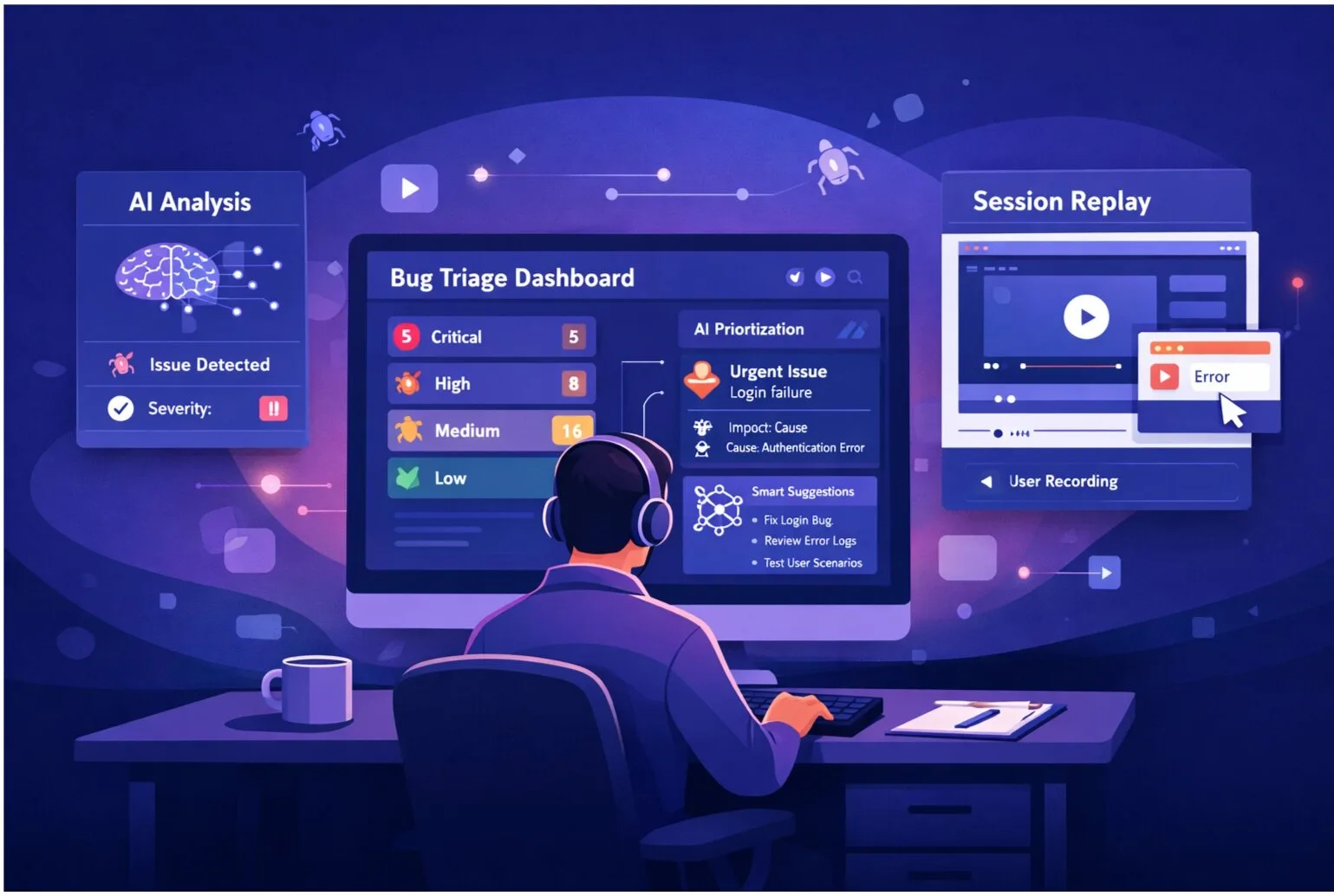
A well-structured bug report is the difference between a fix that ships this sprint and a ticket that collects dust for months. This guide gives you 20 copy-paste software bug report templates — from functional bugs to API failures — so your team can file better reports starting today.
The Anatomy of a Great Bug Report
Every effective software bug report template should capture these core fields:
- Title: A one-line summary — specific, not vague
- Severity: Critical, High, Medium, or Low
- Priority: How urgently it needs to be fixed
- Environment: Browser, OS, app version, device
- Steps to Reproduce: Clear, numbered instructions anyone can follow
- Expected Result: What should happen
- Actual Result: What actually happened
- Reproduction Rate: Always / Sometimes / Rarely
- Evidence: Screenshots, session replay, error logs, network traces
- Business Impact: Who is affected and how much
20 Bug Report Templates by Category
Functional Bugs
1. Login / Authentication Bug
Title: "Login button on mobile doesn't submit form"
Severity: High | Reproduction Rate: 100%
Browser: Safari on iOS 18, iPhone 15
Steps: (1) Navigate to /login on iPhone 15 (2) Enter valid email and password (3) Tap the Login button (4) Wait 5 seconds
Expected: User logs in and redirects to /dashboard
Actual: Button shows loading spinner indefinitely — no redirect, no error message
Evidence: [Session replay attached showing network request hanging]
2. Form Validation Bug
Title: "Email field accepts invalid format — no validation error shown"
Severity: Medium | Reproduction Rate: 100%
Environment: Chrome 130, macOS 14
Steps: (1) Navigate to /register (2) Enter "notanemail" in the email field (3) Click Submit
Expected: Validation error: "Please enter a valid email address"
Actual: Form submits with invalid email, returns 500 server error
3. State Management Bug
Title: "Shopping cart resets to empty after page refresh"
Severity: High | Reproduction Rate: 100%
Environment: Firefox 132, Windows 11
Steps: (1) Add 3 items to cart (2) Refresh the page (3) View cart
Expected: Cart retains all 3 items (persisted in localStorage)
Actual: Cart shows 0 items after refresh
Note: localStorage key "cart_items" is cleared on refresh
Visual / UI Bugs
4. Layout Overflow Bug
Title: "Hero image misaligned on desktop at 1920px width"
Severity: Low | Reproduction Rate: 100%
Environment: Chrome 130 on macOS, viewport 1920×1080
Expected: Image centered with 40px padding on each side
Actual: Image extends 15px past the right edge, creating horizontal scroll
Evidence: [Screenshot highlighting overflow]
5. Mobile UI Overlap Bug
Title: "Form labels overlap input fields on Android"
Severity: Medium | Reproduction Rate: 100%
Device: Samsung Galaxy S24, Android 14, App v1.8.2
Steps: (1) Open app (2) Navigate to Settings (3) Tap Profile section
Expected: Labels positioned above inputs with 8px spacing
Actual: Labels overlap input text — content is unreadable
Evidence: [Screenshot with label overlap highlighted]
6. Dark Mode Rendering Bug
Title: "White text on white background in dark mode on Settings page"
Severity: Medium | Reproduction Rate: 100%
Environment: Chrome 130, macOS with system dark mode enabled
Steps: (1) Enable dark mode in OS (2) Open app (3) Navigate to /settings
Expected: White text on dark (#1a1a1a) background
Actual: White text (#fff) on white (#fff) background — text invisible
Performance Bugs
7. Slow Page Load Bug
Title: "Dashboard takes 8+ seconds to load with 500+ items"
Severity: Medium | Reproduction Rate: 100% with 500+ records
Steps: (1) Log in with account "load-test@example.com" (2) Navigate to /dashboard (3) Open DevTools → Performance tab
Actual: FCP: 8.2s, TTI: 12.1s
Expected: FCP under 2s, TTI under 3s per performance SLA
Evidence: [Performance profile cpu-profile-123.json attached]
8. Memory Leak Bug
Title: "Memory usage climbs to 800MB after 30 minutes of use"
Severity: High | Reproduction Rate: 100% after 30 min
Environment: Chrome 130, 16GB RAM MacBook
Steps: (1) Open app (2) Navigate between 5 different pages repeatedly for 30 minutes (3) Check Chrome Task Manager memory
Actual: Memory grows from ~120MB to ~800MB with no recovery
Expected: Stable memory around 150MB after garbage collection
Integration Bugs
9. Jira Sync Bug
Title: "Jira integration creates duplicate tickets on sync"
Severity: Critical | Reproduction Rate: 100%
Steps: (1) Create a bug report in SnagRelay (2) Enable Jira sync for the project (3) Observe the Jira project board
Expected: One ticket created in Jira
Actual: Two identical tickets created with ~2 second delay between them
Last Working Version: v2.1.4 | Broken Since: v2.2.0
10. Webhook Delivery Bug
Title: "Webhook payload missing 'metadata' field since v3.0 upgrade"
Severity: High | Reproduction Rate: 100%
Steps: (1) Configure a webhook endpoint (2) Trigger a bug report submission (3) Inspect the received payload
Expected: Payload includes 'metadata.browser', 'metadata.os', 'metadata.viewport'
Actual: Payload received with 'metadata' key absent entirely
Note: Breaking change — downstream integrations depending on this field will fail
API Bugs
11. API 500 Error
Title: "POST /api/reports returns 500 when description exceeds 2000 chars"
Severity: High | Reproduction Rate: 100% above 2000 chars
Steps: (1) Send POST /api/reports with description of 2001+ characters (2) Check response
Expected: 201 Created with report ID, or 400 Bad Request with validation message
Actual: 500 Internal Server Error — no body returned
cURL: [Attached] | Logs: "Unhandled exception: value too long for type character varying(2000)"
12. API Rate Limit Bug
Title: "Rate limit headers not returned on 429 responses"
Severity: Low | Reproduction Rate: 100%
Steps: (1) Make 101 requests in 60 seconds to /api/reports (2) Inspect 429 response headers
Expected: X-RateLimit-Remaining: 0, X-RateLimit-Reset: [timestamp]
Actual: 429 response body is correct but headers missing, making retry logic impossible
Security Bugs
13. XSS Vulnerability
Title: "Stored XSS in bug report title field — script executes on view"
Severity: Critical | Reproduction Rate: 100%
Steps: (1) Create a bug report with title: <script>alert('xss')</script> (2) Open the report detail view
Expected: Title rendered as escaped text
Actual: Alert dialog appears — script executes
Impact: Any authenticated user who views the report is affected
14. CORS Misconfiguration
Title: "API accepts requests from any origin — CORS wildcard in production"
Severity: High | Reproduction Rate: 100%
Steps: (1) Send an OPTIONS request to /api/reports with Origin: https://evil.example.com
Expected: Access-Control-Allow-Origin: https://app.snagrelay.com (whitelist only)
Actual: Access-Control-Allow-Origin: * — any origin accepted
Email / Notification Bugs
15. Email Delivery Bug
Title: "Password reset email not received — confirmed sent in logs"
Severity: High | Reproduction Rate: 50%
Steps: (1) Click Forgot Password (2) Enter registered email (3) Check inbox within 5 minutes
Expected: Reset email received within 1-2 minutes
Actual: Email not received after 10 minutes; confirmed dispatched in SendGrid activity log
Note: Emails arriving to Gmail but not Outlook inboxes — likely SPF/DKIM issue
Data / Database Bugs
16. Data Truncation Bug
Title: "Long project names truncated to 50 chars on save — DB constraint"
Severity: Medium | Reproduction Rate: 100% with names over 50 chars
Steps: (1) Create a new project with a 60-character name (2) Save (3) Reopen the project
Expected: Full 60-character name saved
Actual: Name silently truncated to 50 characters — no error shown to user
Cross-browser Bugs
17. Firefox-specific Bug
Title: "Date picker doesn't open on Firefox 132 — works on Chrome/Safari"
Severity: Medium | Reproduction Rate: 100% on Firefox
Environment: Firefox 132.0.1, Windows 11
Steps: (1) Navigate to /schedule (2) Click the date input field
Expected: Native date picker opens
Actual: No picker opens; field is non-interactive on Firefox
Note: console.error: "input[type=date] not supported with custom CSS mask"
Regression Bugs
18. Regression After Deploy
Title: "CSV export broken since v4.1.0 deployment — was working in v4.0.9"
Severity: High | Reproduction Rate: 100%
Steps: (1) Navigate to /reports (2) Click Export → CSV
Expected: CSV file downloaded with all columns
Actual: Download triggers but file is 0 bytes
Regression: Confirmed working on v4.0.9; broken since v4.1.0
Git Bisect: Likely commit abc1234 ("refactor: export service")
Accessibility Bugs
19. Screen Reader Bug
Title: "Icon-only buttons missing aria-label — screen readers announce 'button' only"
Severity: Medium | Reproduction Rate: 100%
Environment: Chrome + NVDA, Windows 11
Steps: (1) Enable NVDA (2) Navigate to toolbar (3) Tab through icon buttons
Expected: Screen reader announces "Delete report" / "Edit report" etc.
Actual: Screen reader announces "button" with no context
WCAG: Violates 4.1.2 (Name, Role, Value) — Level A failure
Localization Bugs
20. i18n String Bug
Title: "German locale shows raw translation key instead of translated string"
Severity: Medium | Reproduction Rate: 100% on de-DE locale
Environment: Browser locale set to de-DE
Steps: (1) Set browser language to German (2) Navigate to /dashboard (3) Observe page labels
Expected: German translations for all UI strings
Actual: Key "dashboard.welcome_message" displayed literally instead of "Willkommen"
Missing Key: dashboard.welcome_message in /locales/de.json
Universal Copy-Paste Bug Report Template
Use this template for any bug type. Copy into Jira, Linear, GitHub Issues, or SnagRelay:
**Title:** [One-sentence summary — specific and searchable]

**Severity:** Critical / High / Medium / Low
**Priority:** P1 / P2 / P3 / P4
**Reproduction Rate:** Always / Sometimes (X%) / Rarely

**Environment:**
- Browser / App Version:
- OS:
- Device:
- User account (if relevant):

**Steps to Reproduce:**
1.
2.
3.

**Expected Result:**
[What should happen]

**Actual Result:**
[What actually happens]

**Evidence:**
- Screenshot: [link or attached]
- Session replay: [link]
- Console errors: [paste or attached]
- Network logs: [link or attached]

**Business Impact:**
[Who is affected, how many users, revenue or UX consequence]

**Notes:**
[Last working version, related tickets, potential root cause]
Common Bug Report Mistakes
Missing Steps to Reproduce: "I saw an error" is not actionable. "I saw an error when submitting a form with 50+ items after waiting 30 seconds" is.
Vague Titles: "Login is broken" vs "Login fails on Safari iOS 18 with 401 Unauthorized when using Google SSO" — the second one tells a developer exactly where to look.
Unclear Expected Behavior: State what should happen, not just what didn't work. Developers need a target to hit.
Multiple Issues in One Report: File each bug separately so they can be triaged and fixed independently. One report, one bug.
Subjective Language: "The page is slow" vs "Time to Interactive is 5 seconds on a 4G connection" — only the second is measurable.
No Reproduction Rate: A bug that happens 100% of the time is critical. One that happens 5% of the time needs different handling. Always record this.
What Makes Bug Reports Actionable
Be Specific
❌ Bad: "Login is broken"
✅ Good: "Login fails on Safari with error '401 Unauthorized' when using Google SSO"
Include Environment Details
Bugs depend on specific conditions. Always include browser version, OS, viewport size, and app version. "Works on my machine" turns into a solvable problem when you capture the exact environment.
Provide Reproduction Steps
Numbered steps that a developer can follow without prior knowledge. If the bug only appears with a specific test account or a dataset over 100 items, state that explicitly.
Attach Evidence
Screenshots show what happened. Session replays show how it happened. Error logs show why it happened. Include all three when available.
State Business Impact
"This blocks checkout for 10% of users" prioritizes the fix better than any severity label alone.
Automate Evidence Collection with SnagRelay
Filling out all these fields manually is time-consuming. SnagRelay automates the evidence layer — every bug report auto-captures screenshots, session replay, browser info, console logs, and network traces. QA teams spend less time writing bug reports and more time finding bugs.
Try SnagRelay today and transform your bug reporting process. Start your free 14-day trial. No credit card required.
Frequently Asked Questions
What should a software bug report template include?
A complete software bug report template should include: a descriptive title, severity and priority, environment details (browser, OS, app version), numbered steps to reproduce, expected vs actual results, reproduction rate, and attached evidence (screenshot, session replay, logs). The most important fields are steps to reproduce and expected vs actual — without these, developers can't fix the bug efficiently.
What's the difference between a bug report and a defect report?
In practice, the terms are used interchangeably. Technically, "defect" is more common in formal QA processes (especially waterfall), while "bug" is more common in agile teams. Both refer to unintended software behavior. Your bug report template format is the same regardless of terminology.
How do you write a good bug report title?
A good bug report title follows this formula: [Component] + [What fails] + [Condition]. For example: "Login button [component] doesn't submit form [what fails] on Safari iOS 18 [condition]." Avoid generic titles like "Bug found" or "Something is broken" — they make search and triage impossible.
What severity levels should I use in a bug report template?
Use four levels: Critical (system down, data loss, security breach), High (major feature broken, significant user impact), Medium (feature degraded, workaround available), Low (cosmetic issue, minimal user impact). Assign severity based on user impact, not how annoyed you are about the bug.
How many steps to reproduce should a bug report have?
As many as necessary, no more. Good reproduction steps are atomic — one action per step. Combine only when actions are inseparable. If your steps exceed 8-10, consider whether you're describing multiple bugs or can simplify with a test account pre-configured to the right state.
Should I include a bug report template in Jira?
Yes. Jira supports issue templates via the "Issue Templates" feature (or third-party apps like Jira Templates). Embedding a standard bug report template as a Jira issue type description ensures every reporter fills out the required fields. Pair this with SnagRelay to auto-populate the evidence fields.
What's the best bug report template for agile teams?
Agile teams benefit from lightweight templates that emphasize reproduction steps and business impact over heavy documentation. The universal template above (Title, Severity, Reproduction Rate, Environment, Steps, Expected, Actual, Evidence, Impact) covers everything needed without slowing teams down. Tools like SnagRelay can auto-fill the evidence fields, making this template near-zero effort to complete.