It starts with one Slack message: "Hey, someone reported a broken image on the homepage — can you file it somewhere?" Then another. Then a spreadsheet. Then a Notion page that nobody updates. The reports are coming in, but nobody owns the routing.
This is a workflow problem that hits most teams as they grow past about five people. Dev teams pick Jira or Linear because it handles sprints, code reviews, and release management well. Marketing and content teams pick Asana or Notion because it's cleaner and doesn't require reading documentation to file a task. Neither group wants to change tools, and they shouldn't have to.
The actual problem
When someone submits feedback on your site — a bug, a content error, a visual glitch — there's no way to automatically send it to different places based on what it is. Most feedback tools assume you have one destination: you pick Jira, or you pick Asana, and everything goes there.
So either everything goes to Jira (where your content team refuses to look), or everything goes to Asana (where your developers don't work). Either way, someone ends up forwarding reports by hand.
What teams actually do to work around this
From talking to teams who've hit this problem:
- Some create separate feedback widgets — one for dev bugs, one for content issues — and hope users pick the right one
- Some build a shared inbox in Slack where someone manually tags and forwards reports
- Some just pick one tool and accept that half the team works from emails instead
None of these are good. The first creates confusion. The second creates a dependency on one person. The third guarantees things fall through.
What routing rules actually solve
The fix is to classify the report when it arrives and route it automatically. A dev exception with a stack trace goes to Jira. A copy error or wrong image goes to Asana. A client-flagged visual issue goes to Trello (or wherever your client-facing workflow lives).
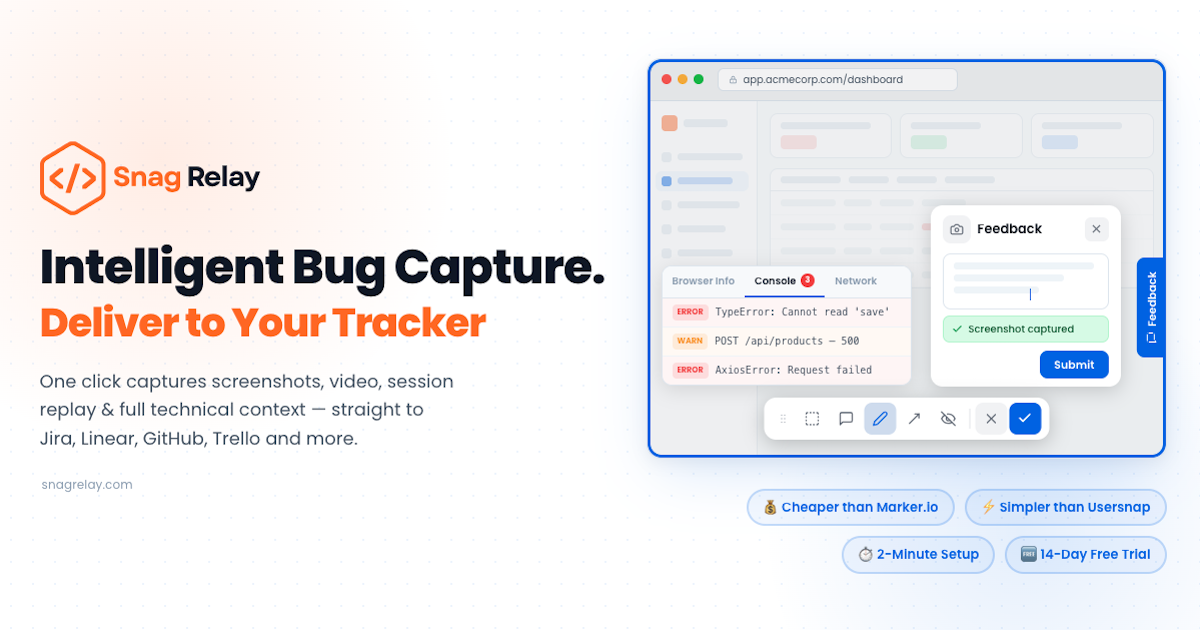
SnagRelay does this with routing rules. You connect multiple integrations to one project, define which feedback type goes where, and set a fallback for anything that doesn't match. Reports are classified and delivered the moment they come in. The dev team works in Jira. The content team works in Asana. Neither team has to touch the other tool.
Setting it up
The setup takes about five minutes per integration. You connect each tool through OAuth, set field mappings for each destination, then define your routing rules. After that it runs automatically.
The practical outcome: the next time someone reports a broken paragraph on your blog, it goes straight to Asana with a screenshot and the page URL. No Slack message, no spreadsheet, no forwarding.