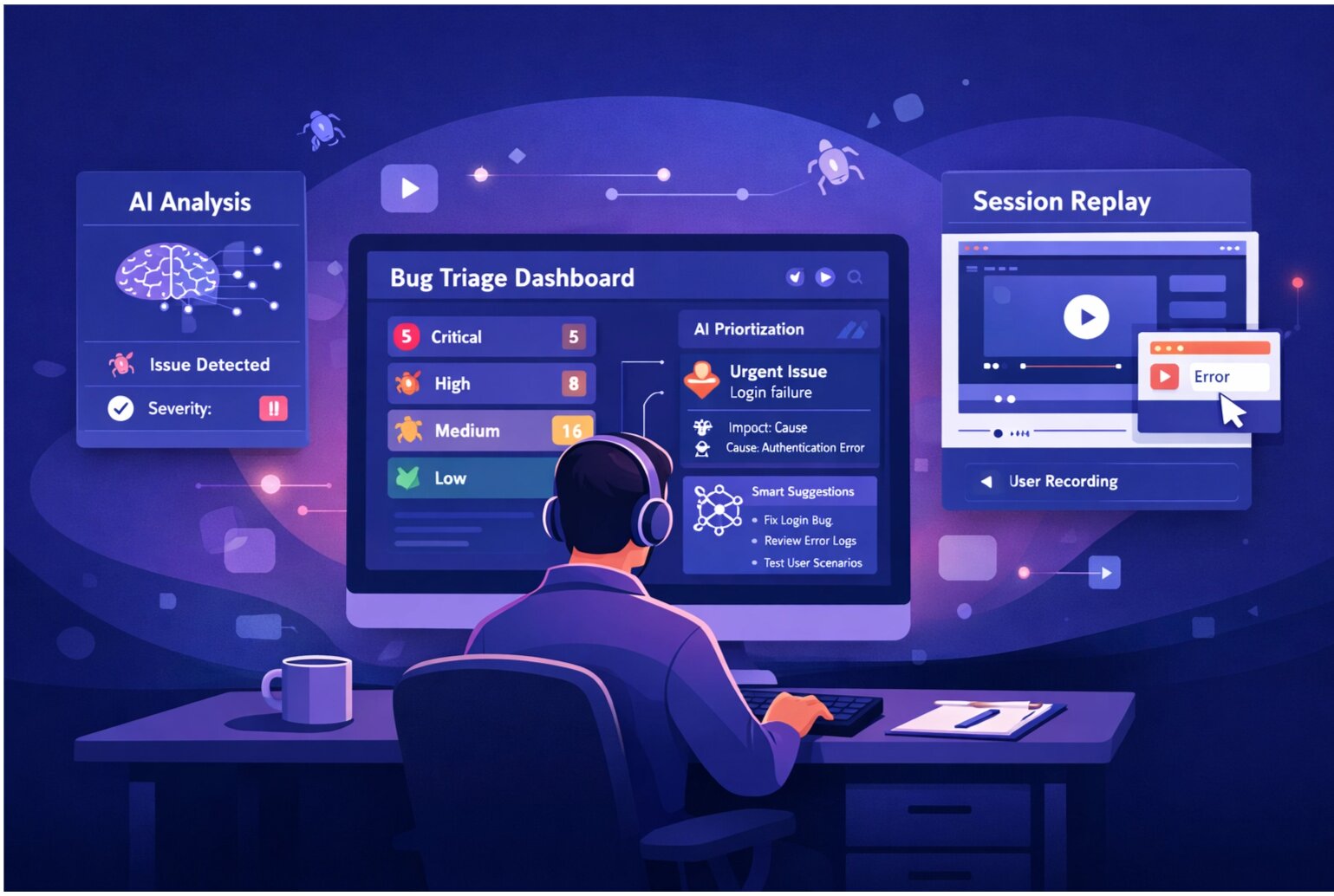
QA finds a bug. It's reported in SnagRelay. But the developer is checking Jira for work. The project manager is tracking in Asana. The bug sits in SnagRelay. Nobody sees it. It's not in their workflow. It disappears until users report it in production.
Bugs found are bugs that exist in multiple systems. The more systems your team uses, the more places bugs can fall through cracks. Integration eliminates this problem.
Why Integration Matters
Developers work in their project management tool. If bugs appear there with complete context—screenshots, session replay, reproduction steps—developers address them immediately. If bugs are scattered across different tools, developers miss them.
Integration Types
One-Way Push Integration
Bug found in SnagRelay → Automatically creates ticket in Jira
Developer fixes the bug → Manual status update in SnagRelay
Pros: Simple to set up. Developers see bugs in their workflow immediately.
Cons: Manual updates back to SnagRelay. Developers might forget.
Two-Way Sync Integration
Bug found in SnagRelay → Automatically creates ticket in Jira
Developer marks ticket as "In Progress" → SnagRelay automatically updates
Developer resolves ticket → SnagRelay mark bug as fixed
Developer reopens ticket → SnagRelay changes status
Pros: Teams stay in sync. No manual updates. Status always accurate.
Cons: More complex to set up. Requires API access and permissions.
Integration Setup by Platform
Jira Integration
One-Way: Use webhooks. SnagRelay reports → POST request to Jira API → Create issue
Configuration:
- Authenticate with Jira API token
- Specify project key (PROJ)
- Map SnagRelay fields to Jira fields (title → Summary, description → Description)
- Set issue type (Bug)
- Set default priority and assignee
Result: Every bug reported includes: title, full description, session replay link, screenshots, browser/OS info, steps to reproduce
Asana Integration
One-Way: Use Asana API. SnagRelay report → Create task in Asana project
Configuration:
- Choose which Asana project receives bugs
- Map SnagRelay fields to Asana fields
- Optional: Set custom fields (Browser, OS, Severity)
Result: QA creates bugs in SnagRelay. Project managers see them appear in Asana automatically. Easy for PMs to track.
Linear Integration
Setup is straightforward: API key + project selection
Map fields to Linear custom fields for richer tracking: Severity, Browser, Environment
GitHub Integration
For developer-first teams using GitHub for everything:
One-Way: SnagRelay → GitHub Issues in specific repo
Configuration: Authenticate with GitHub. Choose repo. Automatically create issues.
Handling Integration Complexity
Duplicate Detection
Prevent duplicate tickets. When integration creates a ticket, store the SnagRelay ID on the ticket. If the same bug is reported again, update the existing ticket instead of creating a new one.
Customizable Mapping
Different projects need different fields:
- Mobile team needs: Device type, OS version
- Web team needs: Browser, viewport size
- All teams need: Severity, Environment
Let each project customize what fields are included in integrated tickets.
Filtering Rules
Not every SnagRelay report should create a ticket:
- Only integrate bugs with severity "High" or above
- Only integrate if it happens in staging/production (not dev environments)
- Only integrate if it's reproducible multiple times
Set thresholds to reduce noise in your project management tool.
The Workflow
Without Integration
QA (10 min): Reports bug in SnagRelay QA (5 min): Manually creates ticket in Jira Developer (discovers in Jira): Clicks link to SnagRelay, reviews Developer (1 hr): Investigates and fixes Developer (5 min): Marks Jira ticket resolved QA (manually checks): Updates SnagRelay status
Manual overhead: 20+ minutes per bug
With Integration
QA (10 min): Reports bug in SnagRelay System (automatic): Creates Jira ticket with full context Developer (discovers in Jira): All context included in ticket Developer (1 hr): Investigates and fixes Developer (marks resolved in Jira) System (automatic): Updates SnagRelay status Manual overhead: 10 minutes per bug. 50% reduction.
Multi-Tool Synchronization
What if your team uses both Jira AND Asana? (This is common in larger organizations.)
- Engineering uses Jira for development
- Project management uses Asana for timeline tracking
- Leadership uses both
Solution: Integrate SnagRelay with both. QA reports bugs once. Both systems get updates automatically.
Real-Time Status Updates
With two-way sync, developers never need to manually update SnagRelay:
- "In Progress" in Jira → Automatically "Being Investigated" in SnagRelay
- "Done" in Jira → Automatically "Fixed" in SnagRelay
Teams always have accurate status without manual bookkeeping.
Preventing Integration Overload
Careful: too many integrations create noise. If every warning becomes a ticket, developers ignore tickets. If every minor issue creates busywork, the system breaks.
Solution: Be selective. Integrate only the reports that matter. Let QA and developers tune what's important.
Building the Connected Workflow
A well-integrated team has bugs appear exactly where developers look for work. Project managers see project status in their tool. QA knows what's being worked on. Everyone stays synchronized without manual coordination.
Set up integrations today and ensure bugs never fall through cracks between tools.