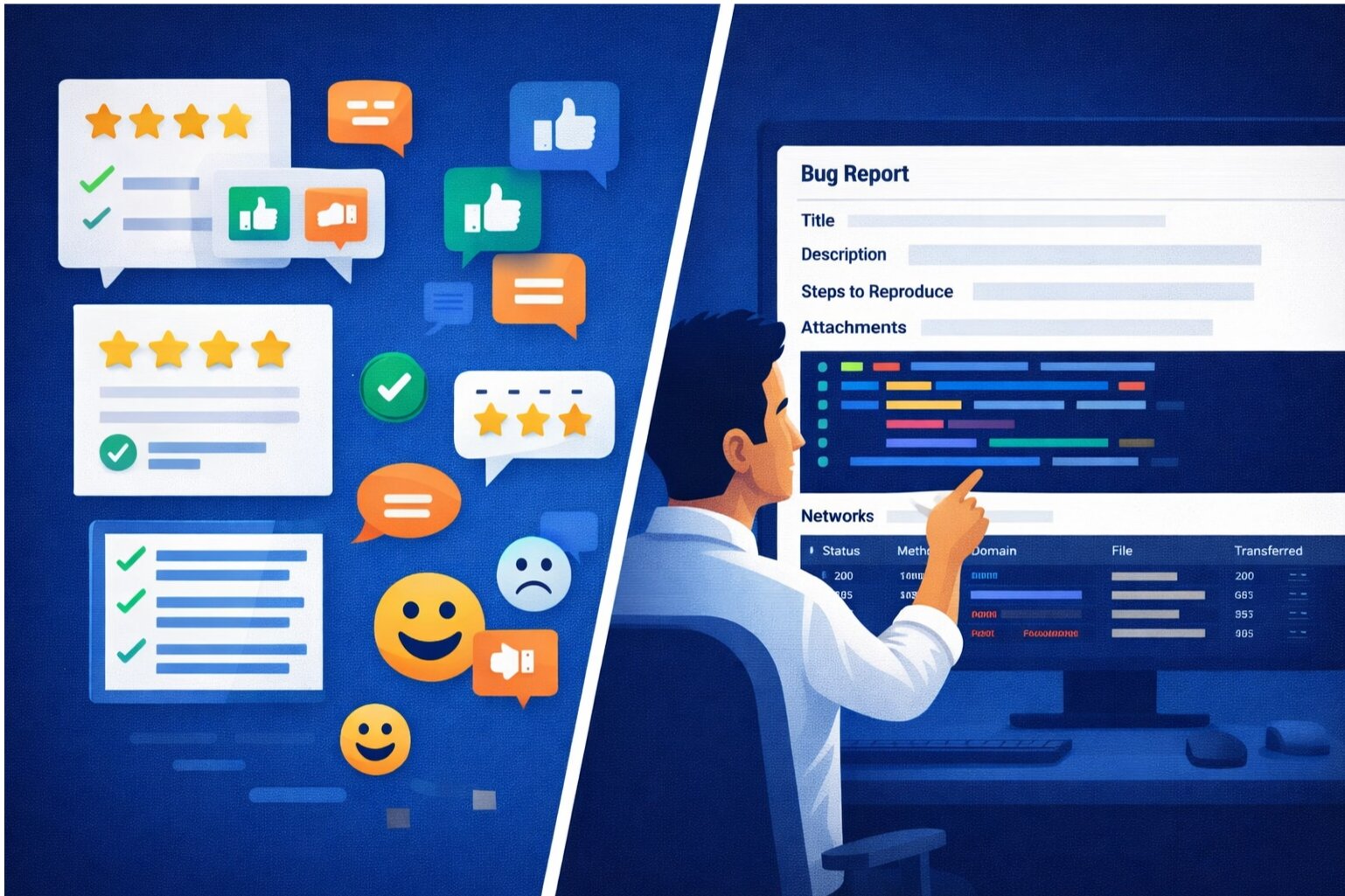
"It works on my machine." The classic developer problem. A user reports a bug, but you can't reproduce it. You ask for more details. They describe it vaguely. You dig through logs. Nothing stands out. Days pass. Frustration mounts. Session replay eliminates this nightmare.
The Problem with Traditional Bug Reproduction
When users report bugs through support tickets, you get:
- Vague descriptions: "The button doesn't work"
- Missing context: Browser version? Network speed? What exact steps?
- Incomplete logs: Errors might not be captured
- No visual evidence: You don't see what the user saw
- Different environments: Their network, device, and usage patterns differ from your test environment
This leads to lengthy investigation cycles, back-and-forth emails, and bugs that take days to resolve.
How Session Replay Changes the Game
Session replay captures everything users see and do:
- Visual Reproduction: Watch exactly what happened on their screen. See the bug occur in real-time.
- Interaction Timeline: Understand the sequence of clicks, form inputs, and actions that led to the problem.
- Browser Context: Automatic capture of browser version, OS, viewport size, and network conditions.
- Network Activity: See API calls, response times, and errors that might have triggered the bug.
- Console Errors: JavaScript errors captured automatically, giving you stack traces and context.
Session Replay Workflow for Developers
Step 1: User Reports an Issue
Instead of a vague support ticket, you receive a link to the session replay. You click it and can immediately see the user's experience.
Step 2: Watch the Replay
Play through the session. Observe the sequence of events. Notice when things go wrong. With visual context, many bugs become obvious immediately.
Step 3: Inspect Network and Console
Pause the replay at the critical moment. Examine network requests and responses. Look for failed API calls, unexpected data, or error messages.
Step 4: Analyze the Bug
Now with complete context, you can ask the right follow-up questions or dive straight into code investigation. Most of the time, you'll already have enough information to identify the root cause.
Step 5: Fix and Verify
Fix the issue in your development environment. When similar sessions occur, verify your fix resolves them.
Common Bugs Session Replay Reveals
Race Conditions and Timing Issues
Bugs that depend on timing (animations finishing, network delays, concurrent requests) are nearly impossible to reproduce manually. Session replay captures the exact timing conditions that triggered the issue.
Browser-Specific Problems
Safari behaves differently than Chrome. Mobile browsers differ from desktop. Session replay shows you the exact browser where the issue occurred. No more "Can you reproduce it in Safari?" back-and-forth.
State-Dependent Bugs
Some bugs only occur after a specific sequence of actions. Replay shows that sequence. "The bug happens when you edit a record that was previously deleted but the deletion failed" is captured instantly in the replay.
Network-Related Issues
Slow networks, failed requests, timeouts—these are hard to reproduce on a fast development machine. Session replays show exactly how your app behaved on the user's slower connection.
Visual Regressions
Misaligned layouts, overlapping elements, text cutoff—QA might miss these on certain viewports. Session replays show the exact viewport where the issue occurred.
Privacy and Performance Considerations
Protecting Sensitive Data
Session replay should never capture passwords, credit card numbers, or personally identifiable information. Configure masking rules to redact sensitive fields before they're recorded. Users should consent to session recording.
Performance Impact
Session replay adds JavaScript weight and network traffic. Modern replay solutions use clever compression techniques to keep overhead minimal (typically <1% performance impact). This small cost is worth the debugging benefits.
Storage and Cost
Session replays take disk space. Most solutions use adaptive sampling—record 100% for bugs, but only 1-5% of successful sessions for performance analysis. This balances storage costs with debugging value.
Building Session Replay into Your Workflow
Automatic Capture on Errors: Configure session replay to automatically save sessions when JavaScript errors occur. This captures context around crashes without recording every session.
Manual User Reporting: Allow users to easily start session replay when they click "Report a Problem." They consent and you get complete context.
Link in Bug Reports: When session replay is available, include it in bug reports sent to QA and development. No more confusion about what happened.
Integrate with Issue Tracking: Link session replays to tickets in your bug tracker. Developers have immediate context when they review the issue.
Session Replay + Error Monitoring
Combine session replay with error monitoring tools for complete debugging power. Error monitors tell you THAT something went wrong. Session replays show you how the user's actions led to the error. Together, they give you complete debugging context.
Eliminate Reproduction Friction
Session replay transforms debugging from a frustrating guessing game into a systematic investigation. Instead of asking "What were you doing when this happened?", you just watch. Instead of "Can you reproduce it?", you already have perfect reproduction. Developers spend less time investigating and more time fixing.
Try SnagRelay session replay today and eliminate production debugging friction.