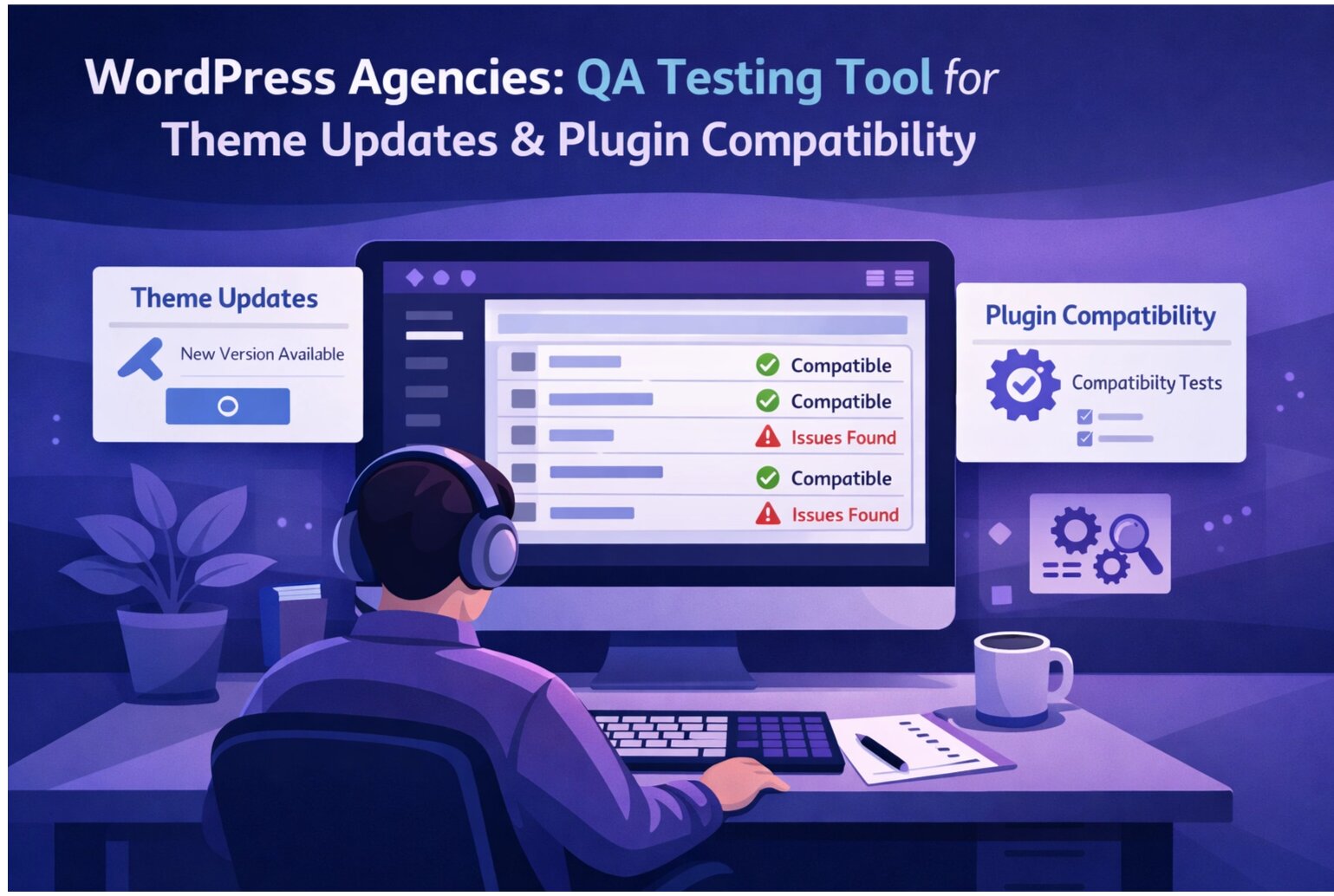
WordPress agencies manage dozens of client sites simultaneously. Each site has different plugins, themes, configurations. When you deploy a theme update, it must work across all those variations. Testing becomes exponentially complex.
The WordPress Testing Challenge
Plugin Compatibility: Your theme update works great in isolation. But Client A runs an SEO plugin that conflicts. Client B uses a custom child theme. Client C has 50+ plugins all loaded. You need to test your changes against common plugin combinations.
Version Fragmentation: Clients run different WordPress versions. Your code needs to work on WordPress 6.0 through 6.4. Testing against each version is tedious.
Staging vs Live: Many clients use staging sites. Did you test on staging? Is staging in sync with live? Did the client make changes on live after staging sync?
Client Customization: Client A has a custom post type. Client B has custom fields. The theme update must not break their customizations.
Systematic WordPress Testing Framework
1. Test Matrix Documentation
Document which combinations you'll test:
- WordPress versions: 6.0, 6.2, 6.4
- Popular plugins: Yoast SEO, WooCommerce, Elementor, Gravity Forms
- Browsers: Chrome, Firefox, Safari, Mobile
- Key pages: Homepage, Posts, Product pages, Custom post types
Update this for each release. As client bases grow, prioritize the most common combinations.
2. Staging Environment Setup
For major releases, spin up test instances with common plugin combinations:
- Instance 1: Core WordPress + 5 most common plugins
- Instance 2: WordPress + WooCommerce + related plugins
- Instance 3: WordPress + Elementor + popular Elementor plugins
Test your changes on each instance. Catch compatibility issues before deployment.
3. Rollout Plan
Don't deploy to all clients simultaneously. Stagger:
- Day 1: Test clients (internal QA team's test sites)
- Day 2: Early adopters (clients who are okay being first)
- Day 3-5: Standard clients
- Day 6: Remaining clients
If issues surface in early stages, fix them before rolling out to everyone.
Testing Checklist for Theme/Plugin Updates
Pre-Deployment
- ☐ Test on staging site
- ☐ Verify backup of staging exists
- ☐ Test against common plugin combinations
- ☐ Check for CSS conflicts (conflicting styles)
- ☐ Test on mobile and desktop
- ☐ Test form functionality (contact forms, checkouts)
Post-Deployment
- ☐ Live site loads without errors
- ☐ No console JavaScript errors
- ☐ Key pages render correctly
- ☐ Forms submit properly
- ☐ Checkout process completes (if applicable)
- ☐ Plugin functionality intact
- ☐ Performance hasn't degraded
Client Communication
- ☐ Notify clients of update and test date
- ☐ Provide rollback plan if issues occur
- ☐ Request feedback after 48 hours
- ☐ Document any issues found and remediation
Plugin Conflict Testing
Common Conflicts
CSS Conflicts: Two plugins apply styles that override each other. Test by comparing page rendering before/after update.
Script Loading Order: Plugin A expects Plugin B to load first. If order changes, functionality breaks. Check script dependencies.
Database Changes: An update changes the database schema. Old plugins expect the old schema. Test data migration carefully.
Debugging Plugin Issues
When a conflict arises:
- Disable all plugins. Does the issue persist? (Issue is in theme/WordPress)
- Enable plugins one by one. Does the issue reappear? (Found the conflicting plugin)
- Check plugin documentation for compatibility notes
- Contact plugin author if needed
Client-Specific Testing
Custom Post Types and Taxonomies
Some clients create custom post types (Services, Testimonials, etc.). Test that updates don't break custom post type displays.
Custom Fields
If clients use custom field plugins (ACF, etc.), test that custom fields display correctly after theme updates.
Client Customizations
If a client has custom CSS or JavaScript, test that theme updates don't break it. Provide rollback plan if needed.
Documentation and Change Log
For each release, maintain:
- Change log: What changed and why
- Compatibility list: Tested with these plugins and WordPress versions
- Known issues: What doesn't work yet and what you're doing about it
- Rollback procedure: How to undo if needed
Share this with clients. Transparency builds confidence.
Reporting Issues with Evidence
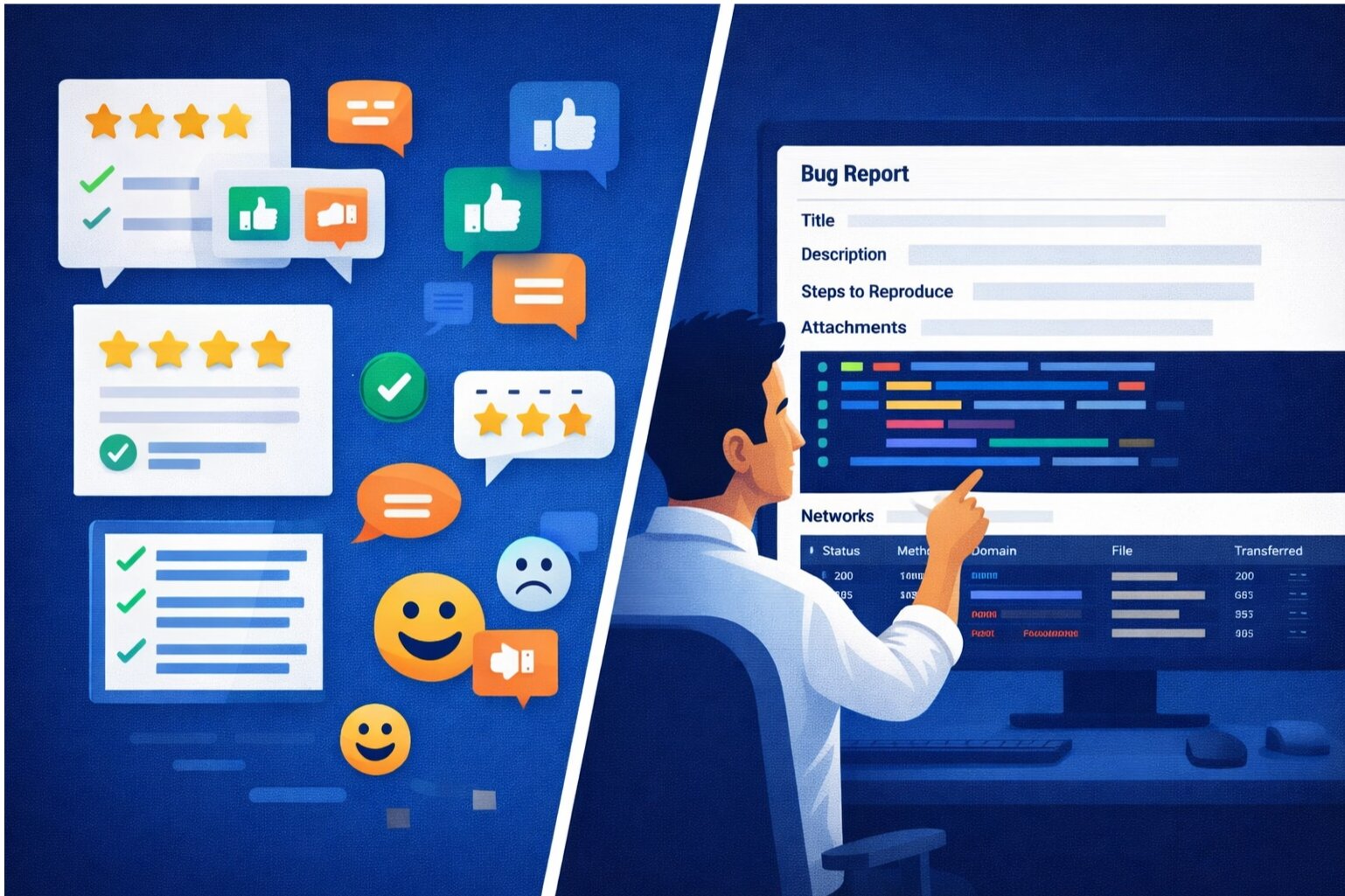
When testing reveals issues, document them with:
- What happened (the bug)
- Screenshot showing the problem
- Reproduction steps
- Which site/plugin combination exposed the issue
- Severity (critical/high/medium/low)
This documentation helps developers fix issues efficiently.
Automated Regression Testing
For routine updates, consider automated tests:
- Check that homepage loads without errors
- Verify key pages render with correct titles and content
- Test form submissions
- Check for broken images
Automation catches obvious issues. Manual testing catches subtle problems.
The Agency Testing Advantage
Agencies that test systematically deploy with confidence. Clients trust that updates won't break their sites. Rollbacks are rare. Reputation grows.
Agencies that test haphazardly spend weeks fixing broken deployments. Clients lose trust. Support tickets pile up.
Streamline WordPress testing. Use session replay to capture issues on any client site. Document testing with screenshots. Track fixes across clients.