The Friction in Azure DevOps Bug Reporting
Azure DevOps gives engineering teams a powerful, centralised platform — sprints, boards, repos, pipelines, and test plans all in one place. But bug reporting is still mostly manual, and it shows.
Reports come in from testers, clients, or end users through channels that are nowhere near Azure Boards. Someone interprets them, creates a work item by hand, and tries to reconstruct the context from memory or partial notes. Developers receive items with missing steps, no screenshots, and none of the technical data they actually need to investigate.
The result:
- Slow resolution — Developers spend the first day asking questions instead of writing code
- Incomplete work items — Area path, severity, and reproduction steps are guesswork
- Backlog noise — Duplicate reports of the same bug create triaging overhead every sprint
- No accountability — The person who found the bug has no idea what happened to it
- Wasted sprint capacity — Team velocity drops when investigations start without context
How SnagRelay Works With Azure DevOps
Automatic Work Item Creation
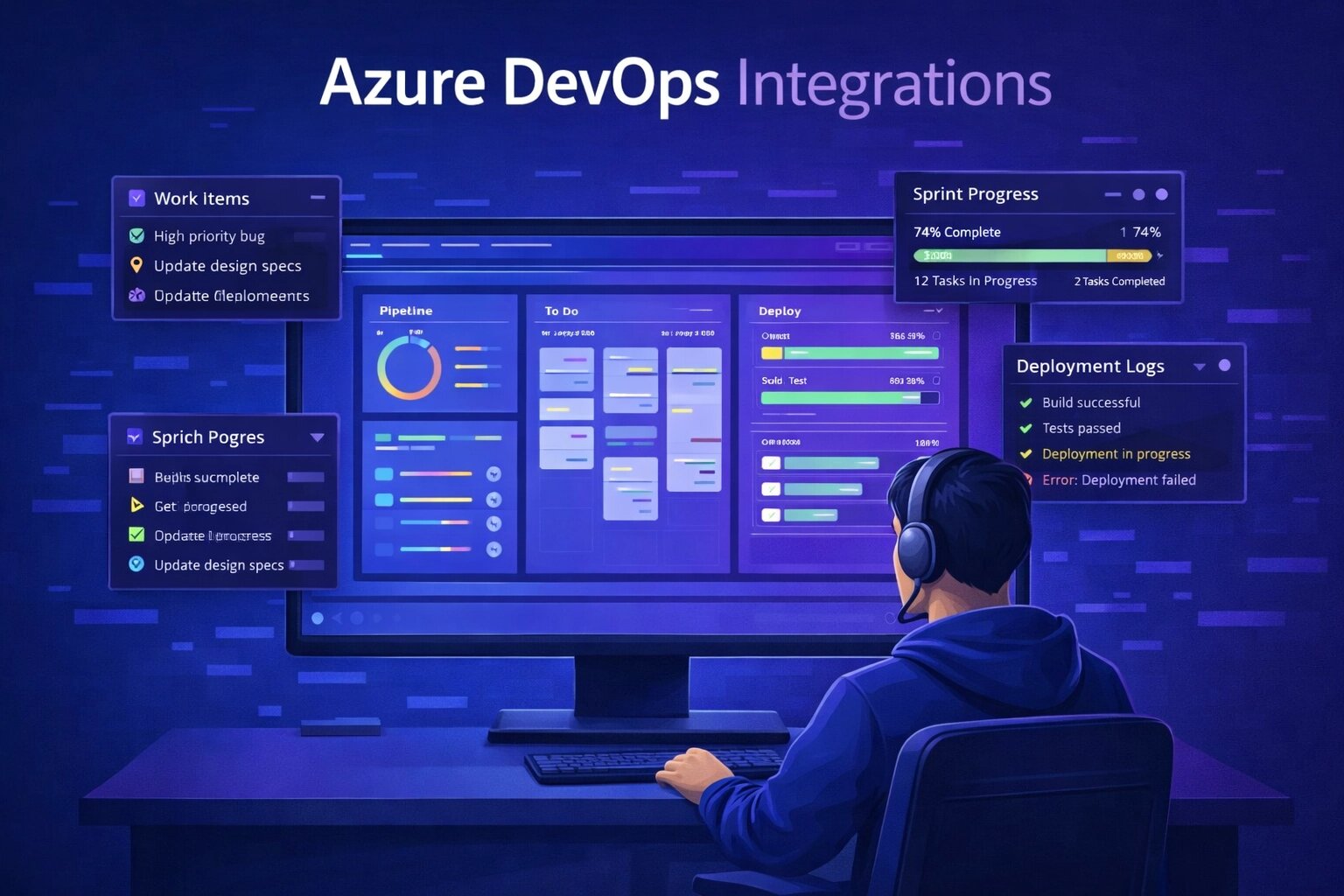
SnagRelay embeds a reporting widget directly into your web application. When a tester or user submits a report, SnagRelay captures everything — then creates a fully populated Azure DevOps work item without any human intervention.
Every work item created by SnagRelay includes:
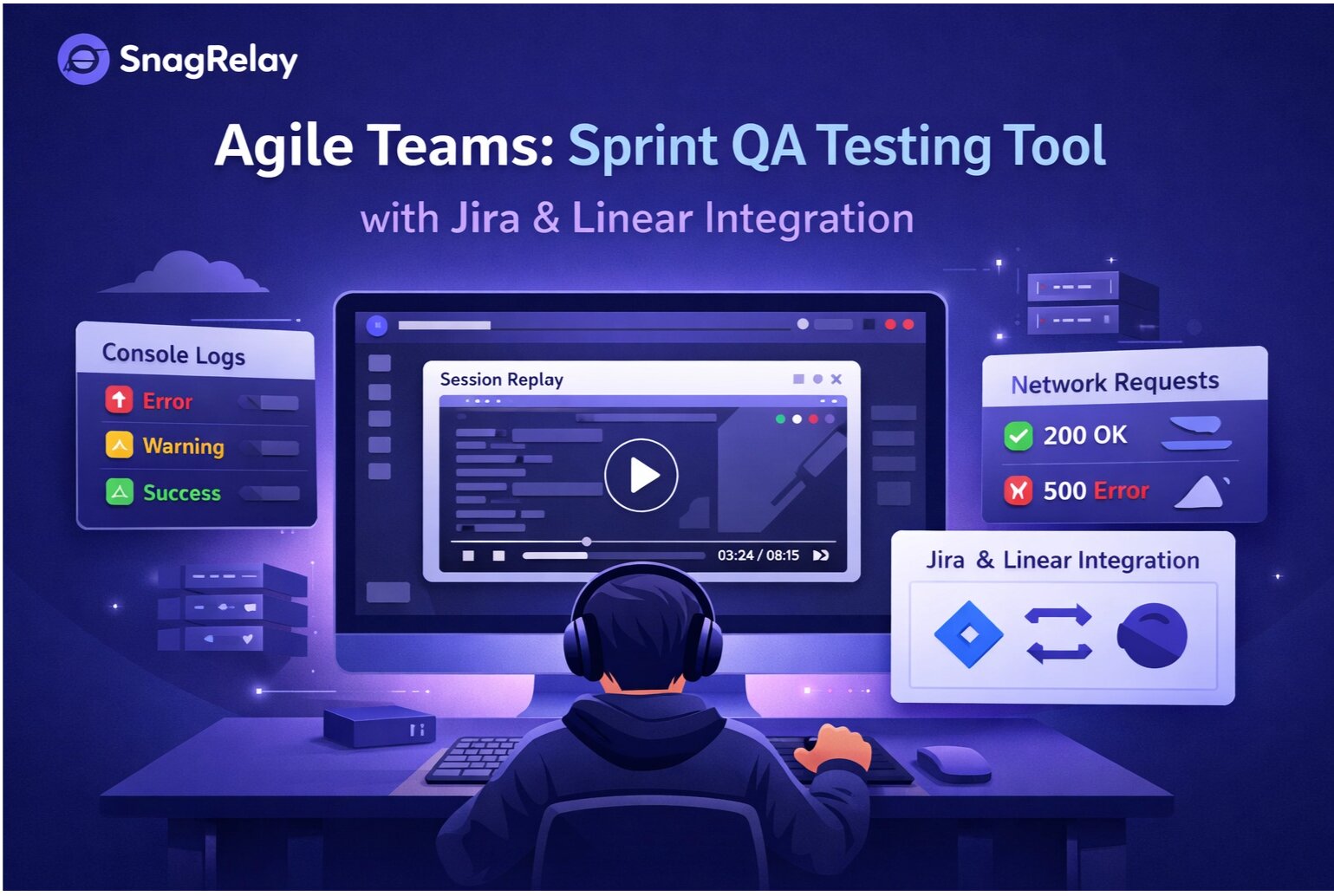
- Session replay recording — A video of what the user did in the seconds leading up to the bug
- Annotated screenshots — Visual evidence with the affected area marked
- JavaScript console logs — Errors and warnings from the session, timestamped
- Network request data — Failed calls, unexpected responses, and slow requests identified
- Environment details — Browser, OS, screen resolution, viewport dimensions, and current URL
- Formatted repro steps — Structured description of what happened and what was expected
The developer opens the work item and can start debugging immediately. No follow-up messages. No investigation delay.
Area Path and Team Routing
SnagRelay automatically routes work items to the correct area path based on where in the application the bug was reported. Bugs on the checkout flow go to the payments team. Errors in the admin dashboard go to the backend team. Mobile layout issues go to the mobile squad.
This removes the triage step from sprint planning entirely. Bugs land on the right team's board, already categorised, the moment they are found.
Sprint and Iteration Assignment
Critical severity bugs are routed directly into the active sprint iteration. Lower-priority items land in the backlog for the next planning cycle. The rules are fully configurable, so your team decides what gets escalated immediately and what can wait.
Urgent production issues no longer sit invisible in a queue until the next sprint planning session.
Priority and Severity Mapping
SnagRelay maps its severity levels to Azure DevOps priority and severity fields automatically. A critical report becomes a P1 work item. A minor UI glitch becomes a P3. Your dashboards, queries, and sprint reports reflect real data from the moment each item is created.
Azure DevOps Workflow: Before and After
Before SnagRelay:
- Tester finds a bug and writes it up in Slack or a spreadsheet
- Someone manually creates an Azure DevOps work item with incomplete detail
- Developer reads the item and immediately needs more context
- 2–4 days pass before investigation begins in earnest
- Sprint velocity is undermined by constant clarification overhead
After SnagRelay:
- Tester clicks to report — SnagRelay captures full session context automatically
- Azure DevOps work item created instantly with session replay, screenshots, area path, priority, and all technical data
- Developer picks up the item and begins investigating the same day
- Clarification questions drop by over 80%
- Resolution time falls from days to hours
AI-Powered Duplicate Detection
When the same bug is reported multiple times — by different testers, users, or environments — SnagRelay identifies the overlap before creating a new work item. Instead of adding duplicate items to the board, it appends the additional evidence to the existing work item and increments the affected-user count.
Boards stay clean. Developers see one consolidated item with multiple reproduction cases, not ten separate tickets for the same root cause.
External Feedback Without Azure DevOps Access
Not all bug reporters should have access to your Azure DevOps organisation. Clients, beta testers, and external stakeholders can report bugs through the SnagRelay widget, and work items are created on Azure Boards automatically — without giving those users any access to your internal tooling.
Reporters see status updates in SnagRelay when items are updated or closed. Everyone stays informed, and your Azure DevOps environment stays secure.
Works Alongside Azure Test Plans
If your team uses Azure Test Plans for structured testing cycles, SnagRelay complements it naturally. Formal test case execution runs through Test Plans. Exploratory findings, user-reported issues, and QA discoveries outside test scripts flow through SnagRelay and land on the board automatically — giving your team full coverage without changing the test management process.
Who Benefits Most
The SnagRelay–Azure DevOps integration delivers the sharpest gains for teams that:
- Collect feedback from clients or users who should not have direct board access
- Want every work item to arrive with session replay and full technical context attached
- Need automatic routing to multiple teams based on where bugs are found
- Are tired of entering the same information twice — once in a bug report, once in Azure DevOps
- Want to reduce the first-day investigation overhead that costs teams sprint capacity every cycle
Ready to Connect?
If your team lives in Azure DevOps, SnagRelay is the fastest way to make sure every bug that is found actually lands on the board — complete, routed, and ready for a developer to pick up the same day it is discovered.
Start your free trial — Connect Azure DevOps in 5 minutes. No credit card required.