

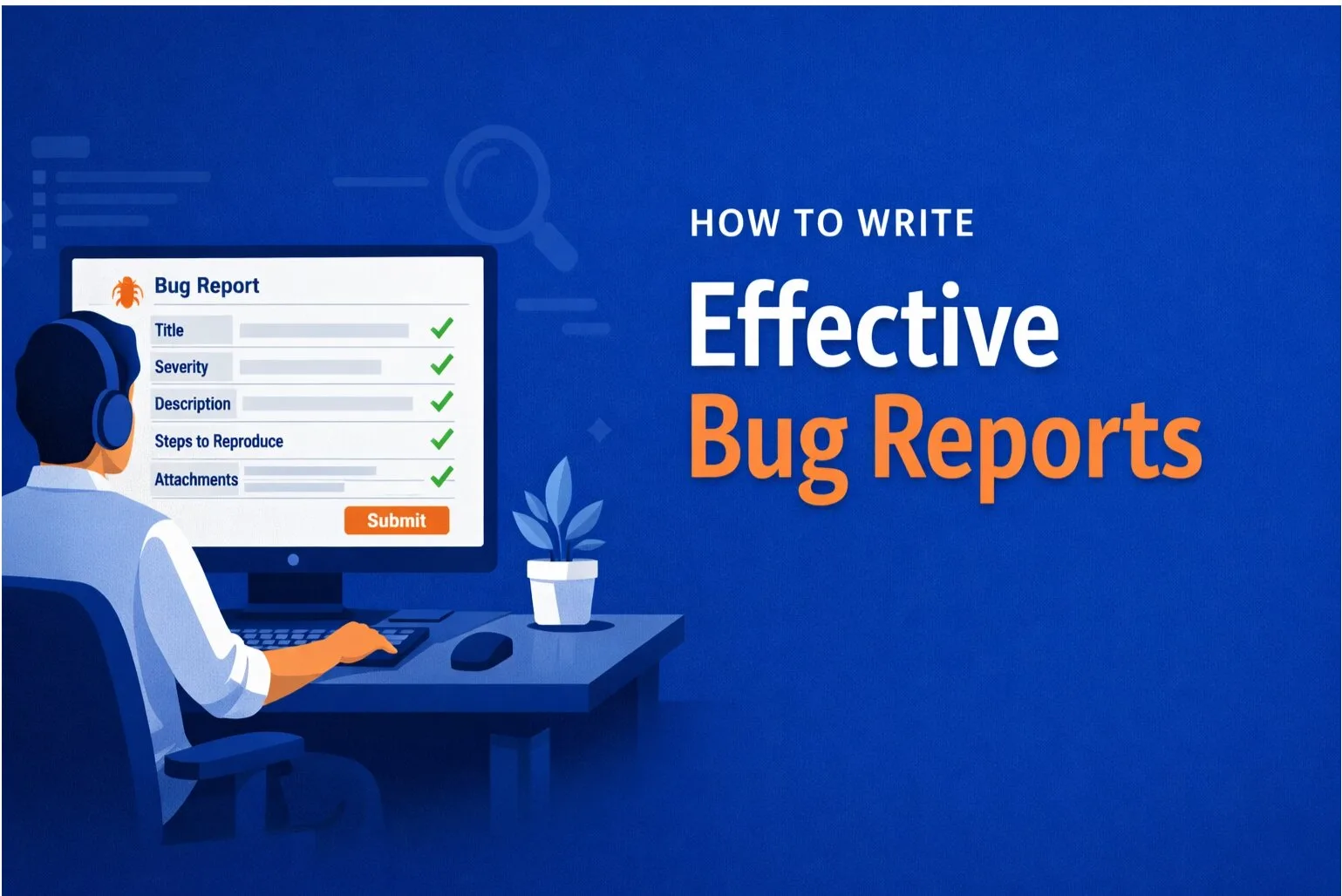
The most common reason a bug report comes back as "cannot reproduce" isn't the developer's fault — and it isn't really the reporter's fault either. It's a structural problem with what bug reports ask reporters to include.
Standard bug report templates ask for: steps to reproduce, expected result, actual result, browser and OS. That's a start. But it misses the three categories of information that actually determine whether a developer can reproduce a bug: application state, network state, and session history.
This guide covers the exact structure of a bug report that makes "cannot reproduce" impossible — and which parts you can capture automatically versus manually.
Why Standard Bug Reports Fail
Consider this reproduction step: "Go to the orders page and click Export."
Which orders page? The developer has a different account, different data, different filters applied. Their export might work fine — because their orders are in a different state. The bug was real, but the report didn't capture enough context to show it.
The developer can't reproduce it — not because they're dismissive, but because the state that triggers the bug doesn't exist in their environment.
The Three Categories of Missing Context
1. Application State
Application state is the exact condition of the data and UI at the moment the bug occurred. This includes:
- Which user account (role, plan, permissions)
- What data was on the page (specific records, values, filters applied)
- What state the UI was in (any open modals, selected tabs, form input values)
- Any previous actions that set up the state (e.g. "I had just edited this record five minutes earlier")
Without application state, the developer is trying to reverse-engineer the conditions that triggered the bug from a text description. They will fail, because the description is always incomplete.
2. Network State
Most complex bugs in modern web apps aren't in the UI — they're in the data that the API returned. A broken UI is often just the visible symptom of an unexpected API response: a null field where a string was expected, a different status code than the frontend handled, a payload structure that changed between environments.
If the bug report doesn't include what the API returned, the developer can't diagnose a backend data issue from a screenshot of the frontend failure.
3. Session History
Many bugs are path-dependent — they only occur after a specific sequence of actions. "Clicked export" might only fail if the user had previously applied a filter, navigated away, and come back. The screenshot shows the moment of failure; it doesn't show the ten actions that created the conditions for it.
The Complete Bug Report Structure
A bug report that reliably prevents "cannot reproduce" needs to include all of the following.
Title
Specific, not generic. "Export fails on orders page" is generic. "Orders CSV export returns 422 when status filter is set to Pending" tells the developer exactly where to look.
Environment
- Browser and version
- Operating system
- Screen resolution (relevant for layout bugs)
- Authenticated user role and plan tier
- URL at the moment of the bug (exact URL, including any query parameters)
Reproduction Steps — With State
Don't just list clicks. Describe the state at each step.
Weak: 1. Go to orders. 2. Click export.
Strong: 1. Log in as an account on the Starter plan with more than 100 orders. 2. Apply the status filter: Pending. 3. Click the Export CSV button in the top right.
Each step should include any state conditions that are required for the step to produce the bug. If a step only triggers the bug when the data is in a specific condition, that condition is part of the step.
API Response (if applicable)
For bugs involving data loading, saving, or any network interaction, include:
- The request URL and method
- The response status code
- The response body (or the relevant excerpt)
- Any request headers that might be relevant (auth token status, content type)
This single piece of context turns a frontend bug report into a diagnosable backend issue — or confirms the frontend is receiving bad data and the fix needs to happen in the API.
Console Errors
Any JavaScript errors from the browser console should be included verbatim, including the full stack trace. "There was an error in the console" is not useful. The error message and the file/line reference are what matter.
Session Replay or Recorded Actions
If you have a session replay tool, attach the recording. The developer can watch exactly what happened — every click, scroll, and state change — in real time. This replaces all of the above for path-dependent bugs.
What Reporters Can't Capture Manually
Network payloads, console logs, and application state are technically accessible — they're in DevTools — but asking non-technical reporters to capture them manually creates two problems:
- Most reporters don't know how to open DevTools or navigate the Network tab
- Even technical reporters will omit this step when filing bugs quickly
The only reliable solution is automatic capture: a tool that collects all of this context in the background whenever a bug is submitted, without requiring any action from the reporter beyond describing the issue.
SnagRelay's session replay captures the exact DOM state at the moment of the bug — inspectable in DevTools, with real data, live styles, and the exact values that were on screen. Full API payloads record every network request and response during the session. Session replay records every action the user took.
When automatic capture is in place, the bug report structure above is handled entirely by the tool. The reporter clicks, describes the issue, and submits — and the developer receives everything they need to reproduce and fix the bug without asking a single follow-up question.
A Template for Manual Bug Reports
If you're filing reports without automatic capture:
Title: [Component] [Action] [Condition] — [Symptom]

Environment:
- Browser: Chrome 124
- OS: macOS 14.4
- User role: Admin / Starter plan
- URL: https://app.example.com/orders?status=pending

Steps to reproduce:
1. [Step with state conditions]
2. [Step with state conditions]
3. [Observed failure]

Expected: [What should happen]
Actual: [What happened instead]

API response (Network tab):
POST /api/export → 422
{"error": "FILTER_UNSUPPORTED", "filter": "status"}

Console errors:
TypeError: Cannot read property 'map' of undefined
  at OrdersExport.jsx:147

Additional context:
[Any relevant session history, data conditions, or timing]
Summary
"Cannot reproduce" is caused by missing state — not missing effort. The fix is a bug report structure that captures application state, network state, and session history alongside the standard fields. Done manually, this requires technical knowledge most reporters don't have. Done automatically, it requires nothing from the reporter at all.