

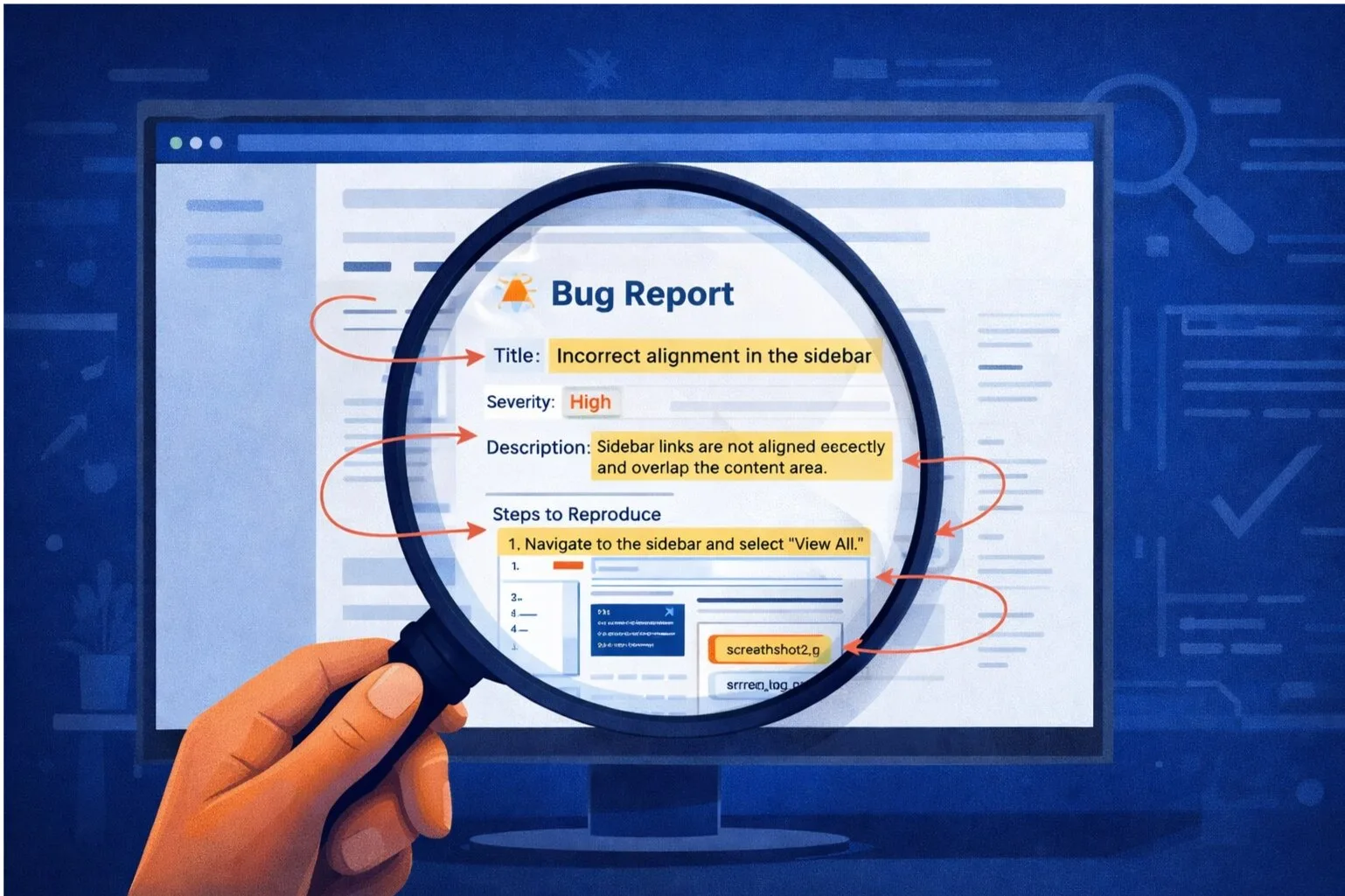
"Cannot reproduce" has a single root cause: the developer's environment doesn't match the state that triggered the bug. Page snapshots solve this at the technical level — not by asking reporters to write better steps, but by capturing the exact browser state and making it available to any developer who opens the ticket.
This post covers what a DOM snapshot actually is, how it differs from a screenshot and a session replay, and why it's the only technique that makes state-dependent bugs reliably reproducible.
Why Screenshots Don't Solve "Cannot Reproduce"
A screenshot is a rasterised image of what was on screen. It shows the visual state of the UI at a single moment. It doesn't show:
- What data values are bound to the UI components
- What CSS classes are applied to each element
- What's in the JavaScript state (React/Vue component state, Redux store, etc.)
- What network responses populated the page
- What the DOM structure looks like beneath the visible layer
When a developer opens a screenshot, they see a picture of the bug. They can't inspect it. They can't open DevTools on it. They can't trace a visual anomaly back to a specific data binding or a missing null check. They're looking at a rendering artifact and working backwards to the code — which only works if they can recreate the same rendering, which requires the same state, which they don't have.
What a DOM Snapshot Actually Is
A DOM snapshot is a serialised capture of the browser's Document Object Model at a specific point in time — the exact moment the reporter clicked the bug widget.
Concretely, it captures:
- The full HTML structure of the page, including dynamically injected content
- All computed styles (not just authored CSS — the resolved values that were actually applied)
- The current values of all form inputs
- The visibility state of every element (including conditionally rendered components)
- Canvas element content (serialised as data URLs)
- Shadow DOM trees
- Custom element internals where accessible
The result is a self-contained HTML document that represents the page exactly as it was when the bug was filed. It can be opened in any browser, inspected in DevTools, and explored as if it were a live page — because structurally, it is.
The Difference Between a Snapshot and a Screenshot
A screenshot tells you what the bug looked like. A snapshot tells you why.
Consider a data table where a row is showing the wrong status badge. On a screenshot, you see a red badge where a green one should be. That's the symptom. In a DOM snapshot, you can inspect the element, see the class name applied, trace it to the data attribute it's bound to, see the actual value from the API response that drove the incorrect rendering, and pinpoint the exact conditional in the component that chose the wrong branch.
That's a 30-second diagnosis. The same bug from a screenshot is an investigation that might take 30 minutes — if the developer can even reproduce the wrong data state at all.
The Difference Between a Snapshot and a Session Replay
Session replay is a video of what the user did. It answers the question: what sequence of actions led to this state?
A DOM snapshot answers a different question: what is the exact state the application was in?
These are complementary, not interchangeable. A session replay shows you the path to the bug. A snapshot shows you the destination — the precise condition that needs to be diagnosed. For state-dependent bugs, you need both: the replay to understand the preconditions, and the snapshot to inspect the moment of failure.
For purely UI layout bugs or visual regressions, a snapshot alone is often sufficient. For data bugs where the question is "why did this value end up wrong," you also need the API payloads from the network layer.
How Snapshots Eliminate "Cannot Reproduce" Technically
The traditional bug reproduction workflow looks like this:
- Developer reads the bug report
- Developer attempts to set up the same preconditions described in the report
- Developer navigates to the reported location
- Developer attempts to trigger the bug
- If the preconditions aren't right, the bug doesn't appear → "Cannot reproduce"
With a DOM snapshot, the workflow becomes:
- Developer reads the bug report
- Developer opens the snapshot in their browser
- Developer inspects the exact DOM state where the bug occurred
- Developer identifies the root cause directly from the captured state
Step 2 replaces steps 2–5 of the traditional workflow. There is no reproduction attempt because reproduction is no longer necessary. The state is already there, frozen at the moment of failure, fully inspectable.
What Snapshots Can and Can't Capture
DOM snapshots capture the client-side state of the browser. They do not capture:
- Server-side application state
- Database records (though the values rendered from those records are present)
- Session storage or cookies (these need to be listed separately)
- Running JavaScript — the snapshot is a static capture, so event listeners won't fire
For bugs that require a specific user session to reproduce (account permissions, subscription state, multi-step workflows), snapshots show the result of that session but don't recreate the session itself. For those bugs, session replay and API payload capture are the complementary tools.
Implementation Considerations
Capturing a high-fidelity DOM snapshot without performance impact requires careful engineering. The main challenges are:
Cross-origin resources: External CSS, fonts, and images can't be inlined without CORS permissions. A snapshot tool needs to handle these gracefully — either by resolving accessible resources or noting which ones couldn't be captured.
Dynamic content: Content injected via JavaScript after page load (lazy-loaded components, portals, dynamic modals) needs to be captured from the live DOM, not from the initial HTML. The snapshot must be taken at the exact moment of capture, not parsed from the page source.
Canvas and WebGL: Canvas content can be serialised as a data URL, but this only captures the visual output, not the underlying scene graph. For canvas-heavy applications, this is a known limitation.
Performance: The snapshot process needs to be asynchronous and non-blocking. It should not affect the user's experience of the page or introduce any perceptible lag.
SnagRelay's page snapshot implementation handles cross-origin resource resolution, captures all dynamically injected content from the live DOM, and runs the serialisation process asynchronously in a web worker to avoid any main thread impact.
For Teams Still Debugging Without Snapshots
If your team is fielding "cannot reproduce" responses, the short-term manual workaround is to ask reporters to save a copy of the page using the browser's "Save As" function (Full HTML, not Webpage Only) and attach it to the ticket. This is imperfect — it won't capture computed styles or cross-origin resources correctly — but it gets the DOM structure into the ticket.
The right solution is a tool that handles this automatically on every bug submission, without the reporter needing to know what a DOM is.