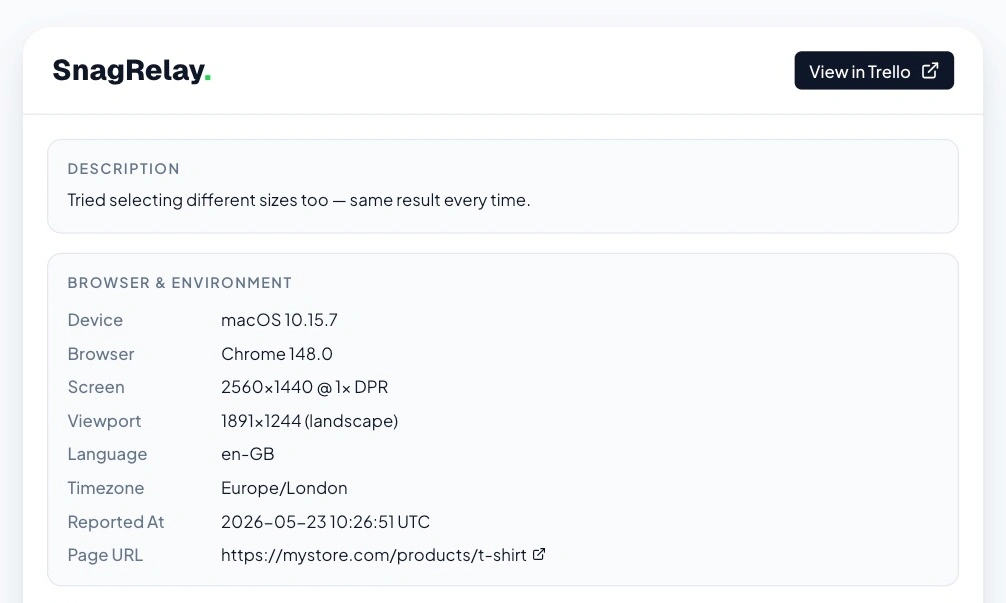
What every report includes
Console errors and warnings with file and line number, and the requests the page made with their request and response bodies. Failed requests, and the successful ones around them, because a 200 that returns the wrong data is just as often the bug. Each report also carries the browser, OS, screen size, viewport and URL.
Tied to the element
When the reporter points at an element, errors and failed requests that belong to it are outlined in red. The report says which element, which error and which request go together, so the person or agent reading it does not have to guess. See the element picker.
From the click to the crash
The report orders what happened as a timeline: the user action, the request it triggered (with its body), and the error that followed with the file and line. Your coding agent can pull any single body on demand with get_issue_payload. See the MCP server.
Who is reporting
If you pass the user to api.init(), the report includes their ID, email and plan. SnagRelay does not guess them. Reporters without an account can still report.
<script async src="https://app.snagrelay.com/widget/load/YOUR_API_KEY"></script>